A desk may be wide enough for a monitor and notebook yet leave the keyboard perched at its front edge. That is a depth problem, and adding width does not necessarily solve it. The distance from the front edge to the back needs to accommodate the screen's support, the working position of the keyboard and the way you use paper.
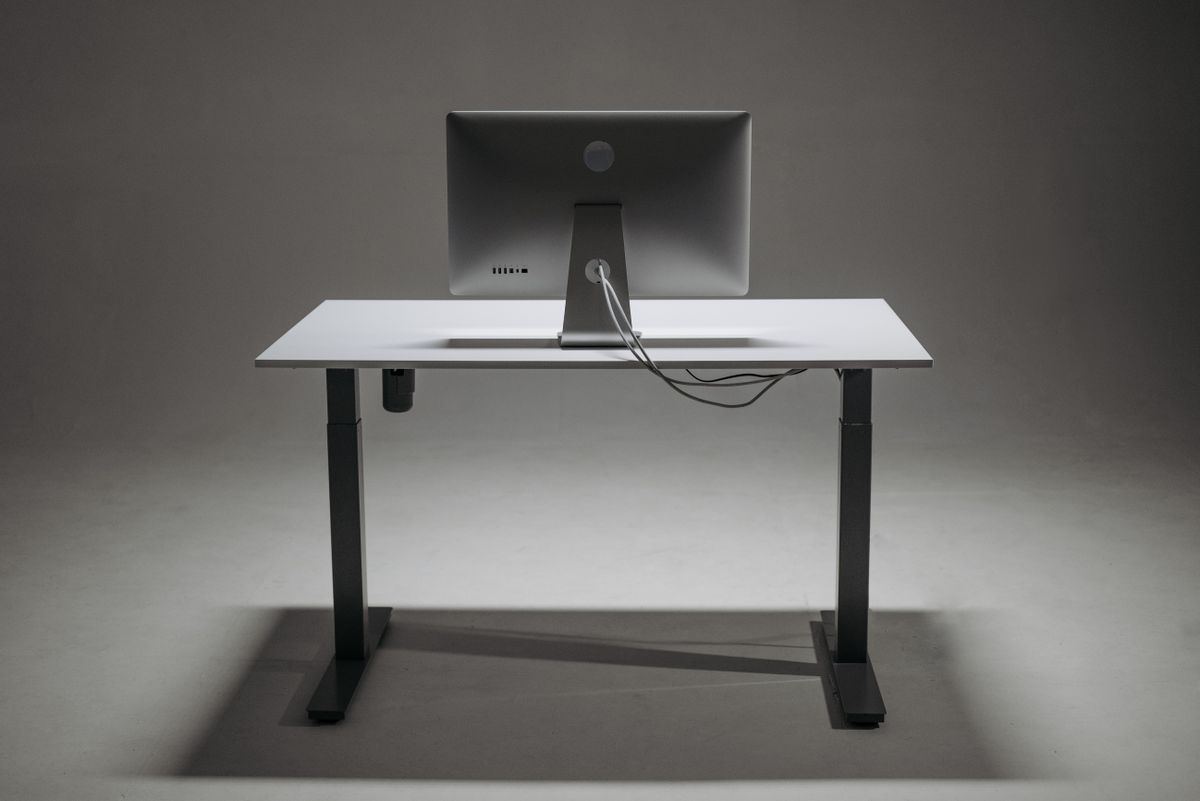
Start by laying out the equipment on a larger table. Put the screen where it is readable in a comfortable seated position, then place the keyboard and mouse where your hands naturally work. Leave the monitor on its actual stand. A bare screen measurement ignores the part that often determines how far forward the display sits.
Count the space behind the screen
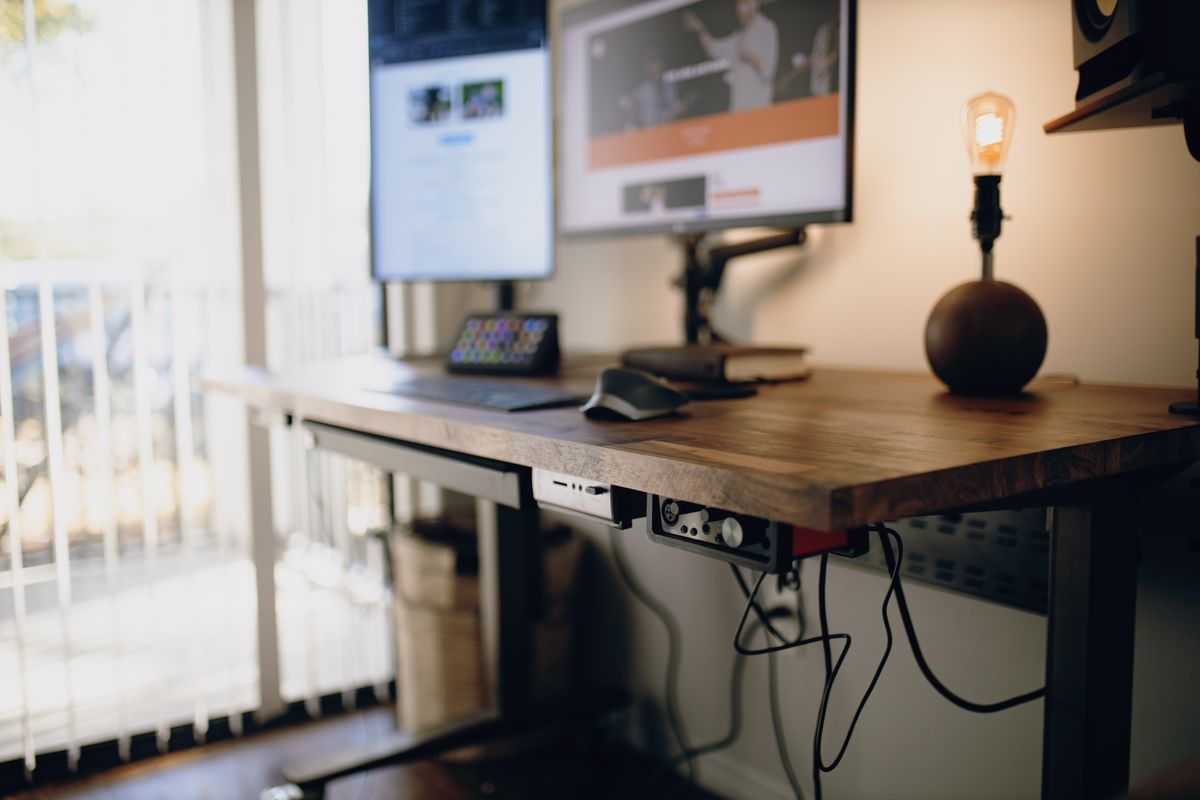
A stand with a broad rear foot can prevent the display from moving close to a wall. Back-facing connectors also need room for plugs and a gentle cable bend. The useful depth may therefore be less than the desktop's listed depth, especially when the back edge must stand away from a baseboard or obstruction.
A monitor arm changes this arrangement but does not make depth irrelevant. The arm needs a compatible mounting point, clearance for its movement and a desk that can support the attachment. Some arms place the screen well forward of the mount even when folded. Check the arm's dimensions instead of assuming that any arm will recover the same amount of space.
Include the task in front of the keyboard
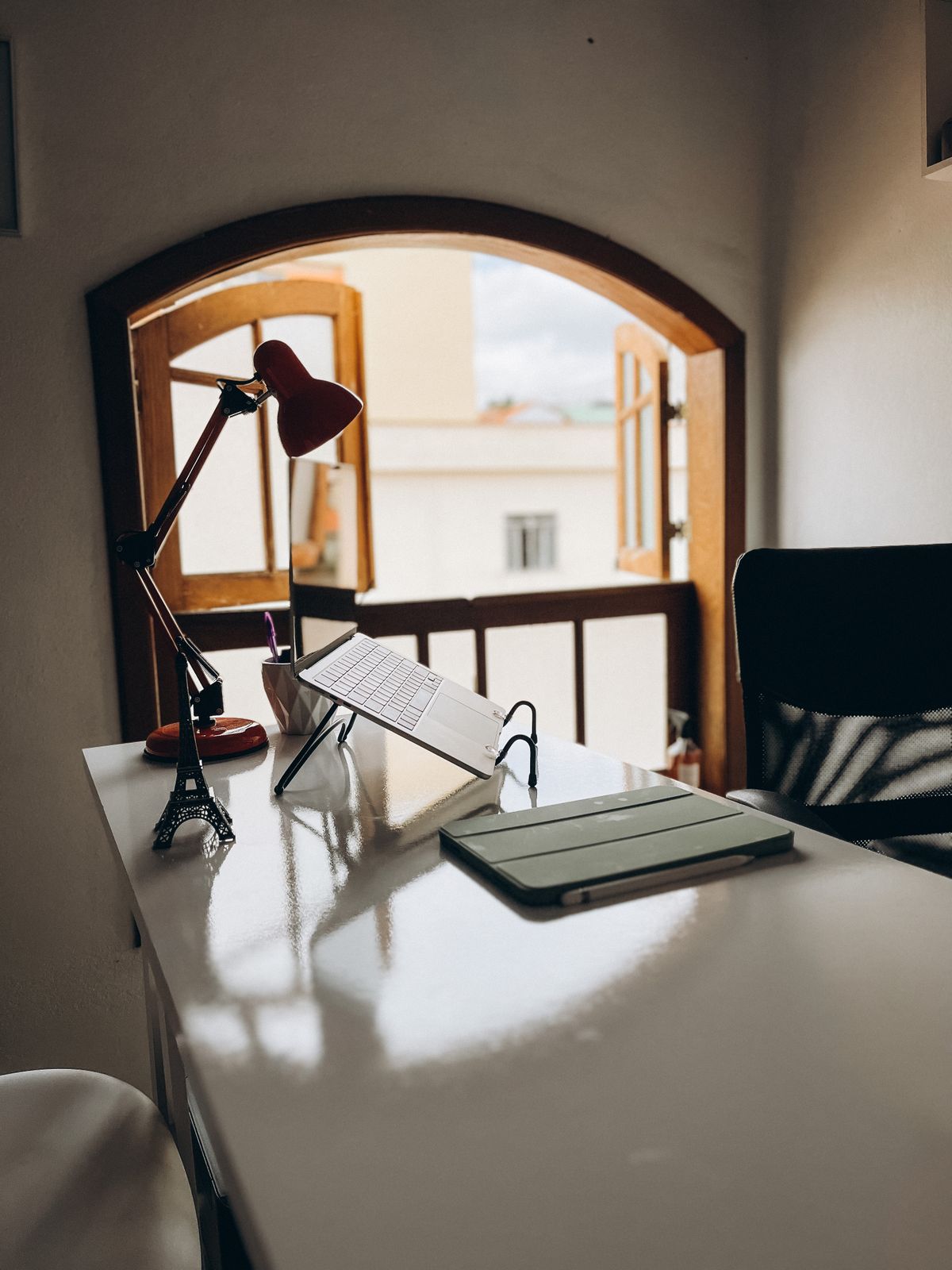
If you write notes throughout a call, test an open notebook beside the keyboard. If you review large printed pages, place those pages on the surface at their actual size. A desk intended almost entirely for laptop use may need less depth than one supporting a large screen and regular paperwork, but the decision should come from the layout.
Consider what happens beneath the top, too. A very deep desk with a rear modesty panel or storage unit can still restrict leg movement. More surface is not automatically more usable space. The chair, underside clearance and access route remain part of the choice.
For a small room, compare two arrangements before deciding: a deeper compact desk with equipment in line, and a shallower wider desk with a separate writing area. Either may work, depending on the room and the monitor. Tape out both footprints and sit at them.
Avoid choosing a shallow desk on the assumption that you can simply sit closer to the screen. Adjust the layout, display size or furniture choice so that the equipment fits the intended use. The right depth is the one that supports your normal tasks without asking every object to occupy the same few inches.