
Care & upkeep
A weekly desk reset that takes care of the essentials
Clear the decisions that make Monday awkward, without turning a tidy-up into an elaborate maintenance ritual.
Read the noteCare & upkeep
Cleaning, storage, troubleshooting and moving equipment with its instructions in mind.
Clear the decisions that make Monday awkward, without turning a tidy-up into an elaborate maintenance ritual.
Read the note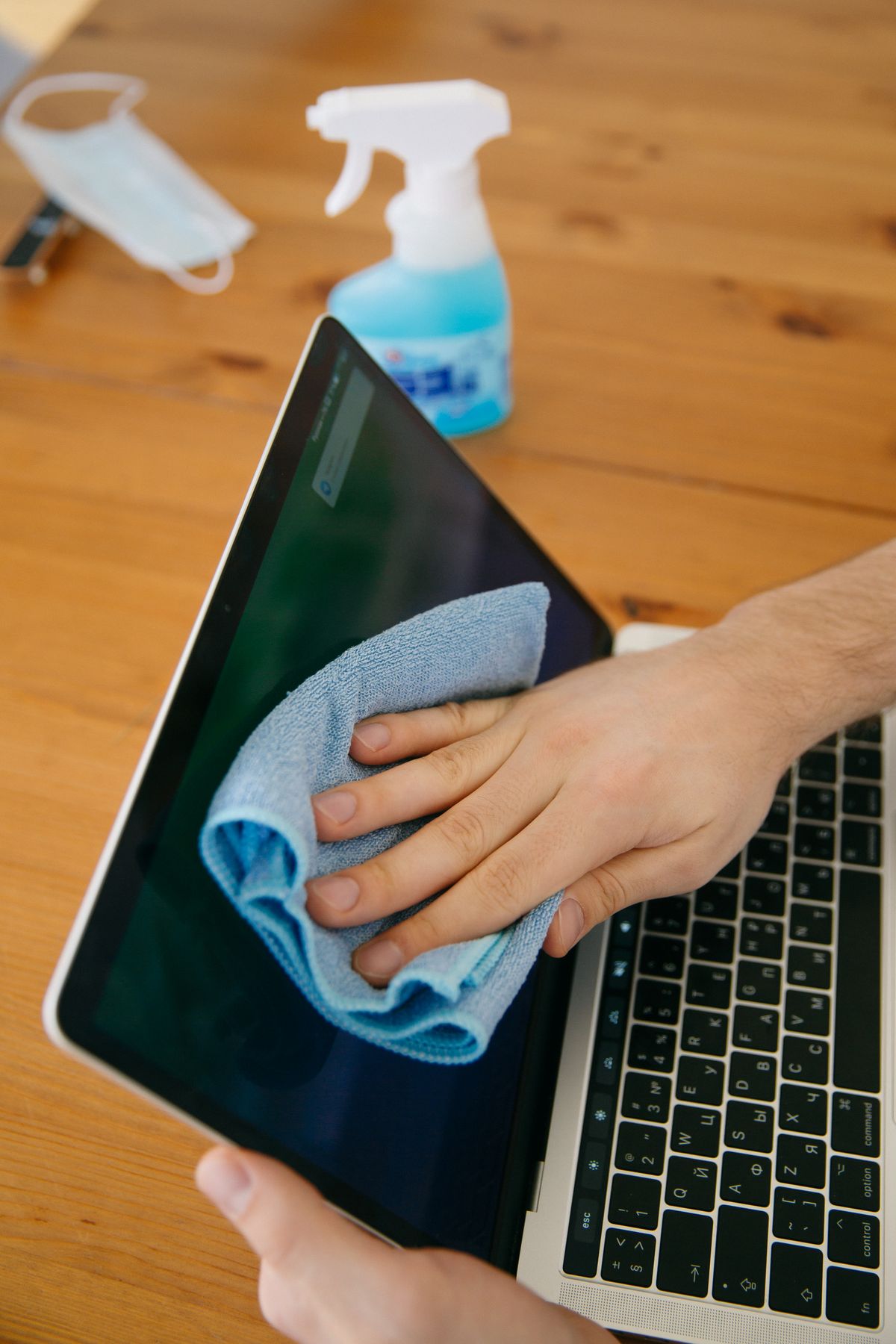
Start with the panel's own care instructions and a clean cloth; ordinary glass-cleaning habits may be unsuitable.
Read the note
Remove loose debris and clean the outside carefully; soaking the gaps is not a shortcut to a clean keyboard.
Read the note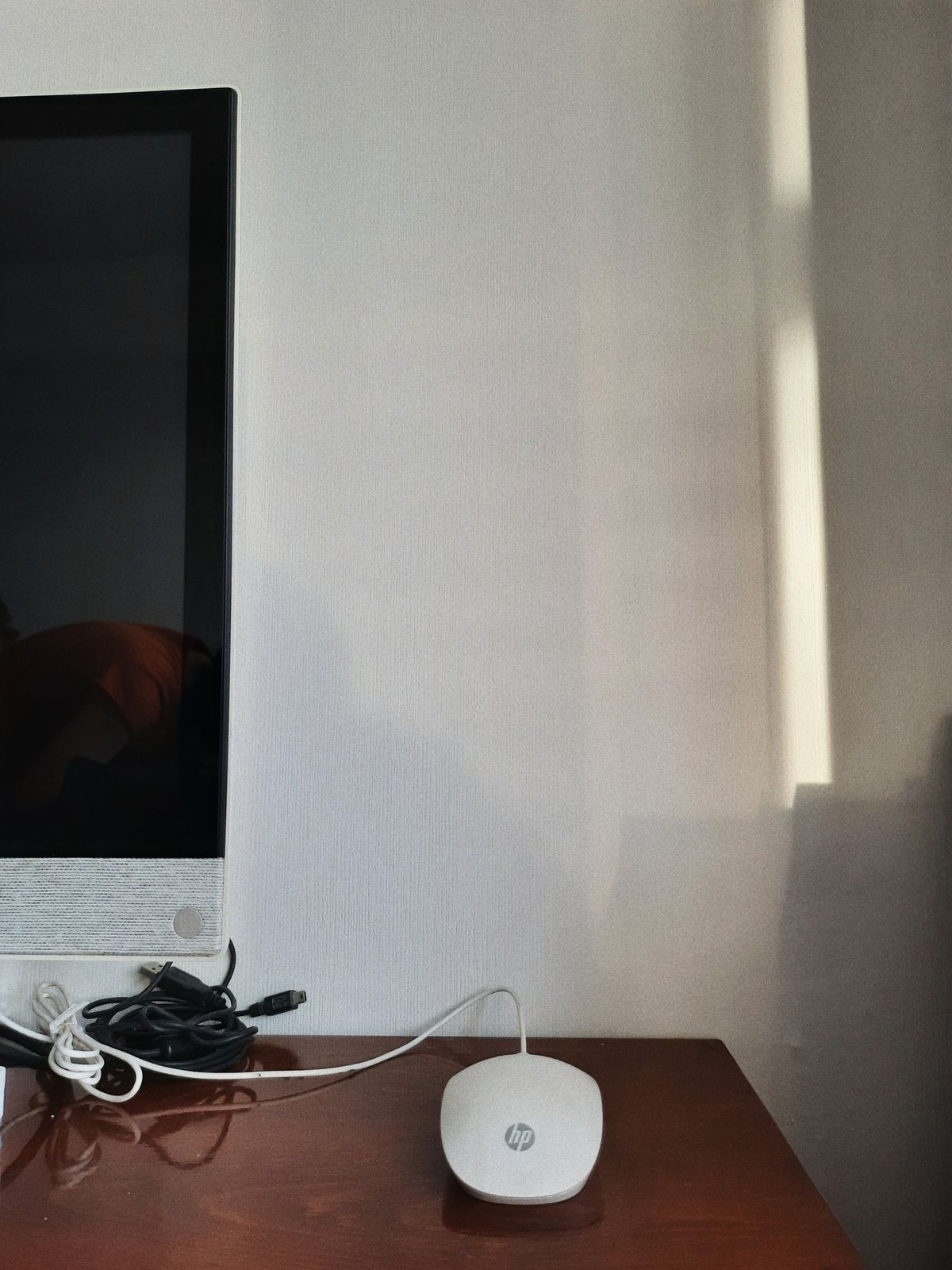
Inspect the pad, feet and sensor opening before treating every jump of the pointer as a software problem.
Read the note
The visible corner of a page is not necessarily the right place to pull it out.
Read the note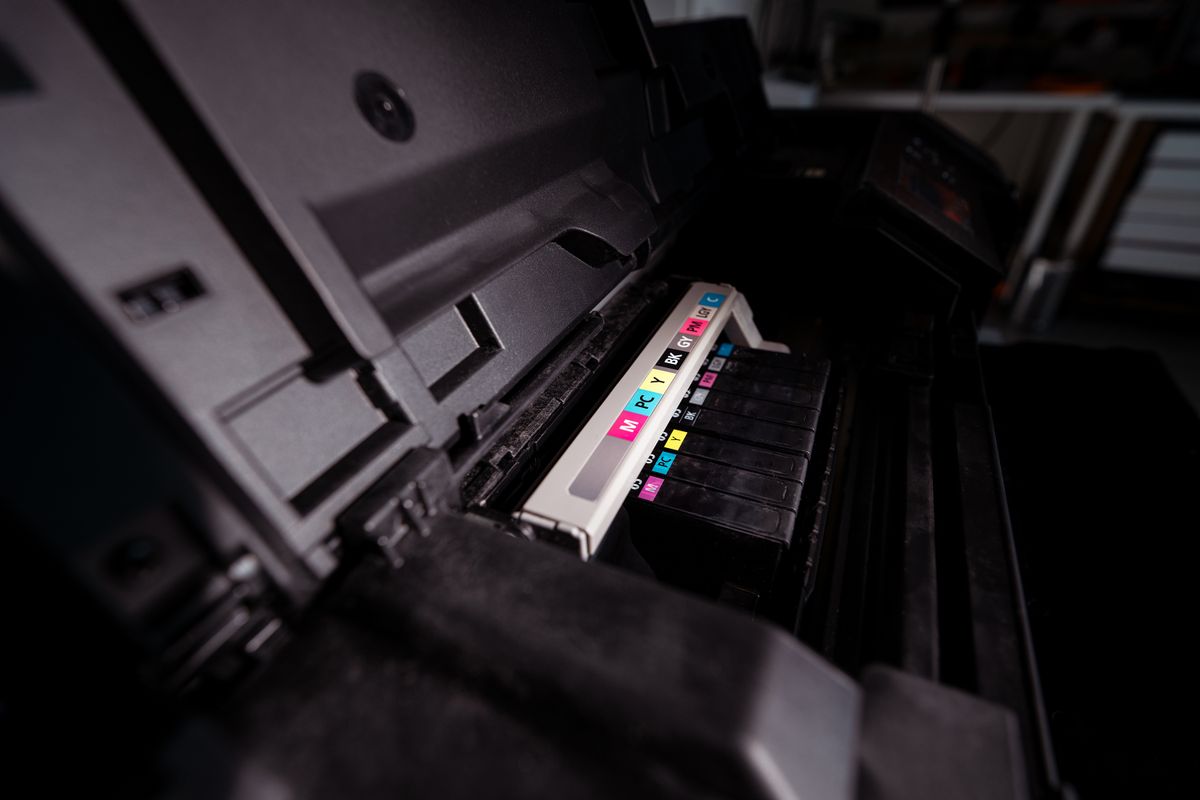
Compare a printer-generated test with the problem document before ordering supplies or launching repeated cleaning cycles.
Read the note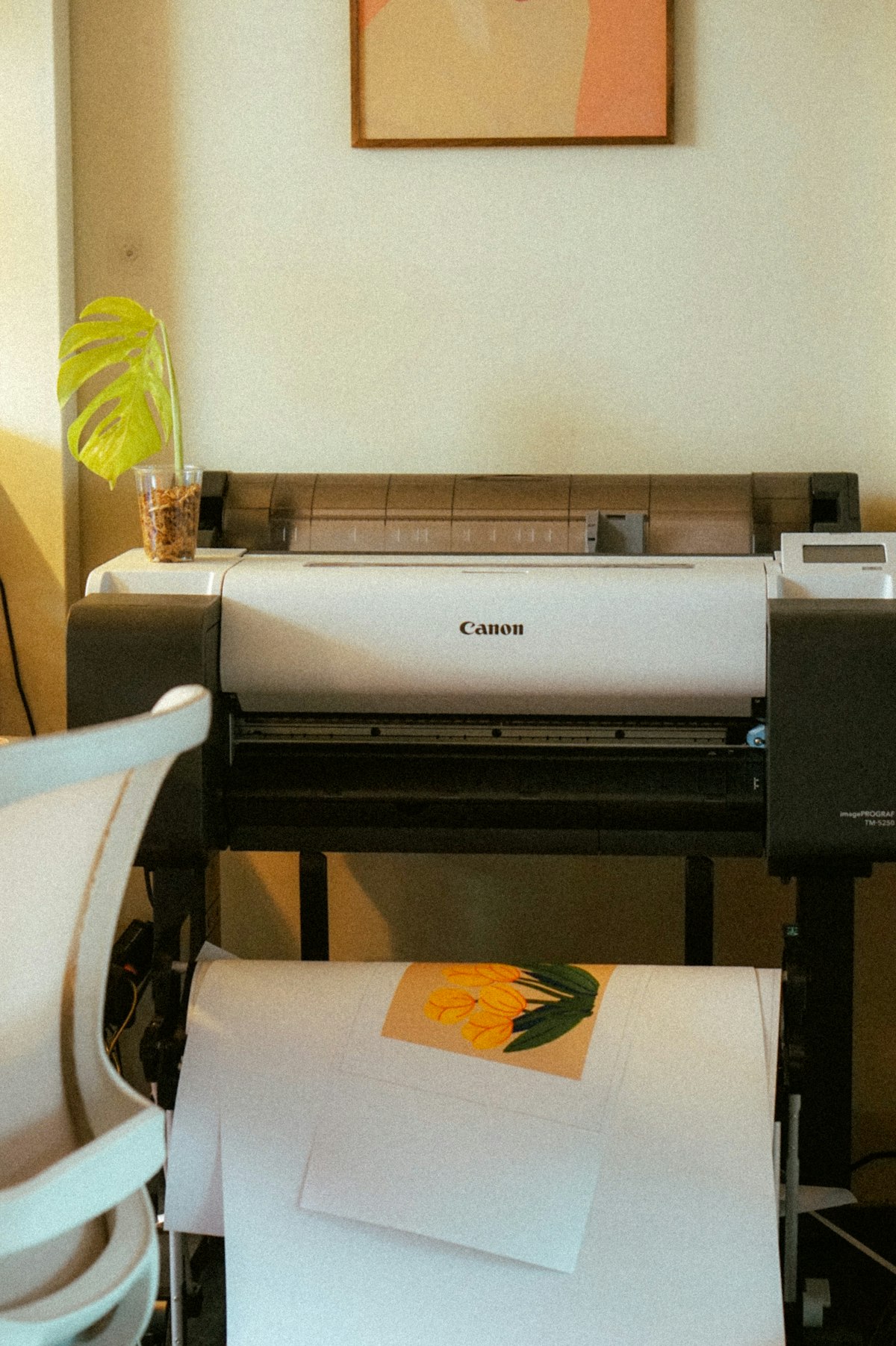
Follow the model's use and shutdown guidance instead of inventing a weekly cleaning schedule.
Read the note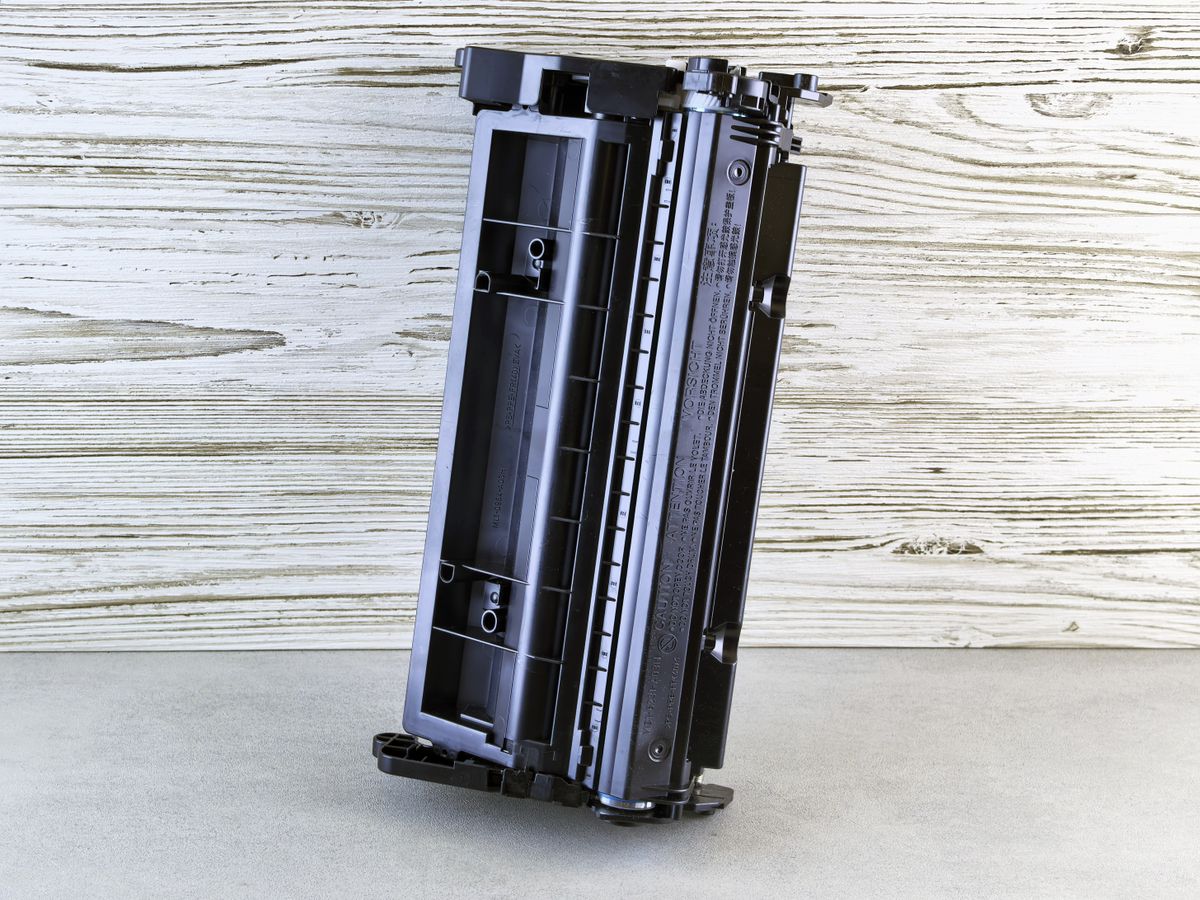
Keep the right supply sealed, identifiable and within its storage conditions rather than buying a drawer full of uncertain spares.
Read the note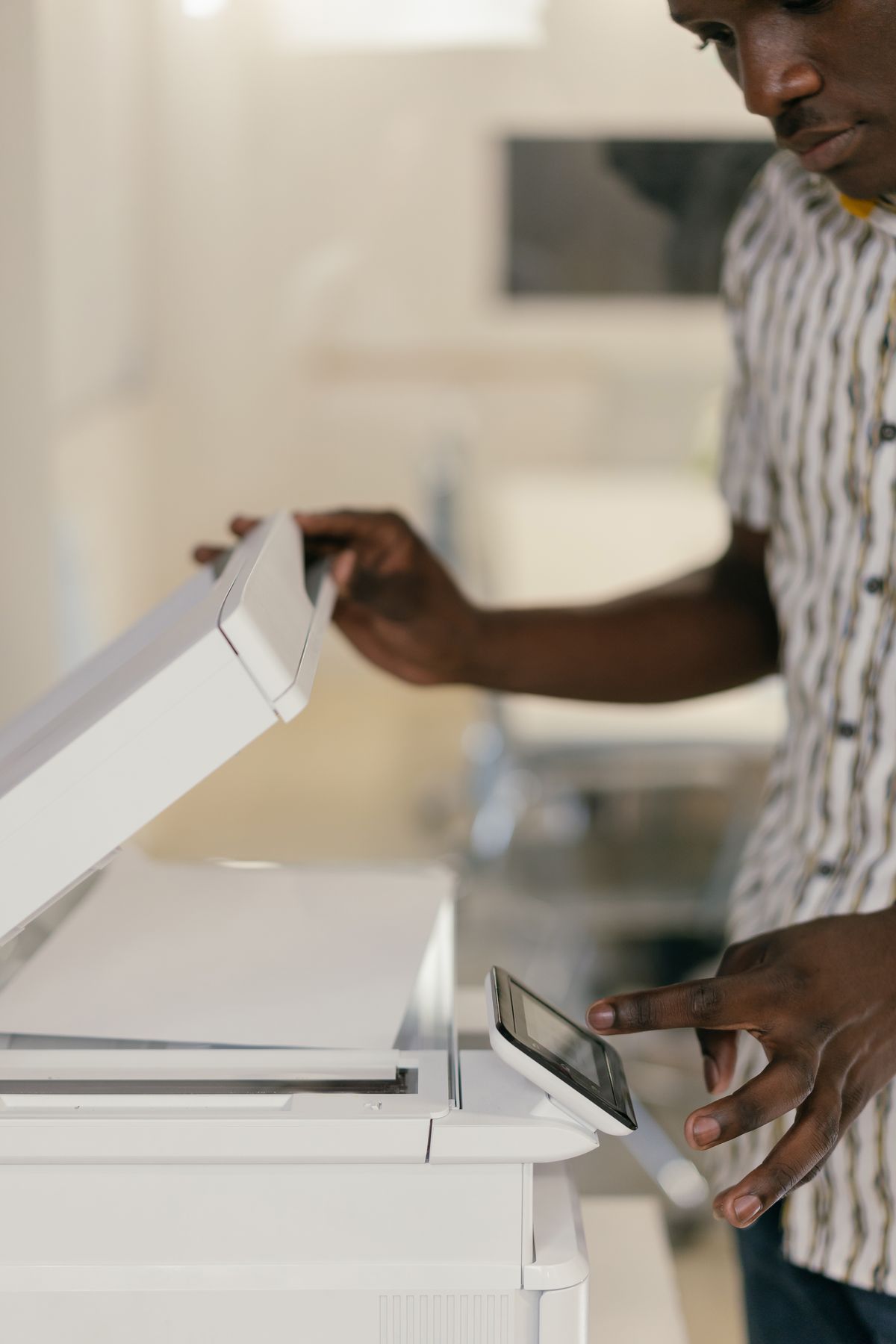
Find out whether the mark comes from the flatbed or the feeder before wiping every visible surface.
Read the note
The right paper, an unfilled bin and the specified lubrication routine do more than an improvised attempt at a stubborn jam.
Read the note
Use stock approved for the printing technology and keep damaged or partly peeled sheets out of the paper path.
Read the note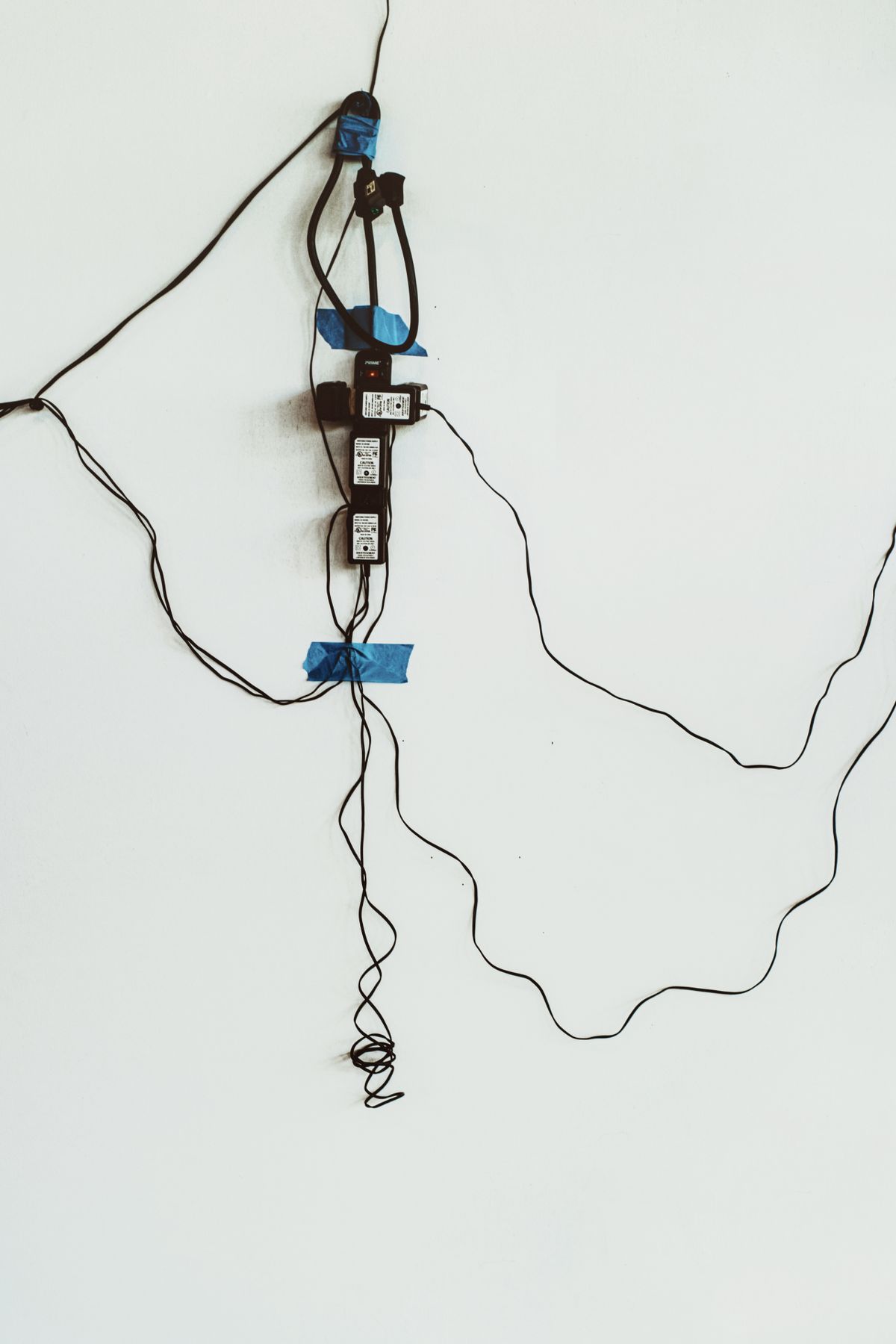
An accessible cable route should let you identify both ends and remove one lead without disturbing the whole desk.
Read the note