A monitor can look like a sheet of glass while having a surface treatment that reacts badly to an ordinary household cleaner. The safest starting point is the cleaning section for the exact display, not a product labeled suitable for screens in general. Different panel finishes and coverings can have different requirements.
Shut the monitor down and disconnect it as its instructions require. If it is a laptop display, shut down the computer and disconnect external power before cleaning. Let a warm display cool. A dark screen also makes fingerprints and remaining streaks easier to see without repeatedly polishing areas that are already clean.
Check the cloth before the screen
Use a clean, soft, lint-free cloth of the type the manufacturer recommends. Inspect it for grit or dried residue. A microfiber cloth used earlier on a dusty shelf may carry particles that scratch when pressed against a panel. Keep a separate cloth for displays and wash or replace it according to its care instructions.
Remove loose dust gently. Use minimal pressure and support the display so it does not tip or twist. Do not scrape a stubborn mark with a fingernail, use a paper towel simply because it feels soft, or keep rubbing harder when a patch does not disappear. A mark beneath the surface or damage to a coating will not be repaired by more cleaning.
Add moisture only as directed
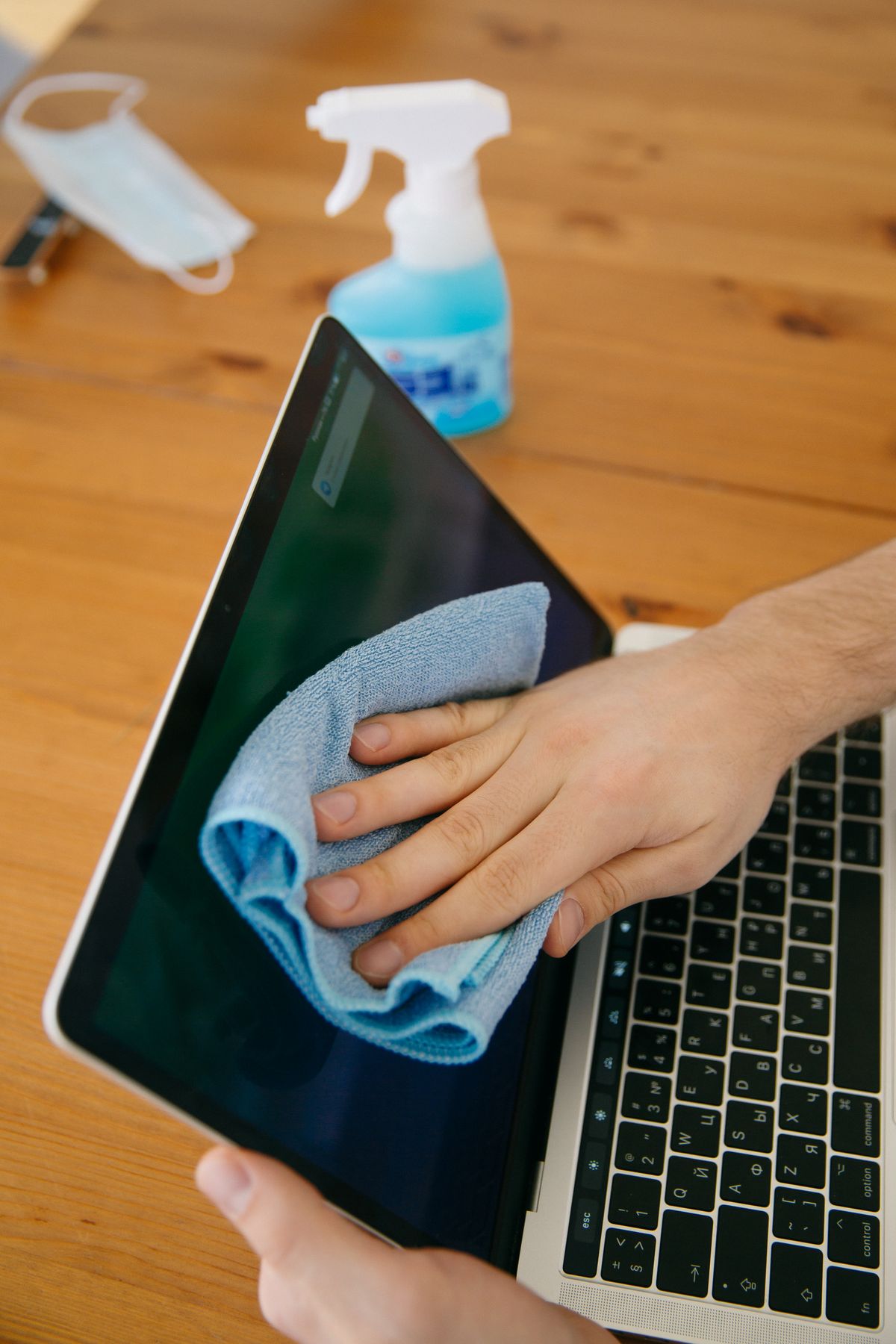
If the manual permits a damp cloth, moisten the cloth lightly rather than spraying the screen. Liquid should not run toward the bezel, buttons or openings. Use only the liquid the manufacturer allows. For example, Dell's published guidance for the monitors covered by its cleaning article excludes alcohol, ammonia, abrasive cleaners and compressed air; advice that permits a disinfectant on a keyboard should not be transferred to those displays.
Work gently over the affected area and use a clean part of the cloth as needed. Follow any specified wiping direction or drying method. The aim is to lift the residue with as little pressure and moisture as possible. A strong-smelling cleaner, a familiar brand name or a successful attempt on another screen does not establish compatibility with this one.
Allow the surface and any approved damp-cleaned areas to dry fully before reconnecting power. Check the result in normal room light rather than chasing every reflection with another pass. If a stain persists, stop and ask the manufacturer about that panel. Preserving the coating is more important than removing one mark through an improvised treatment.