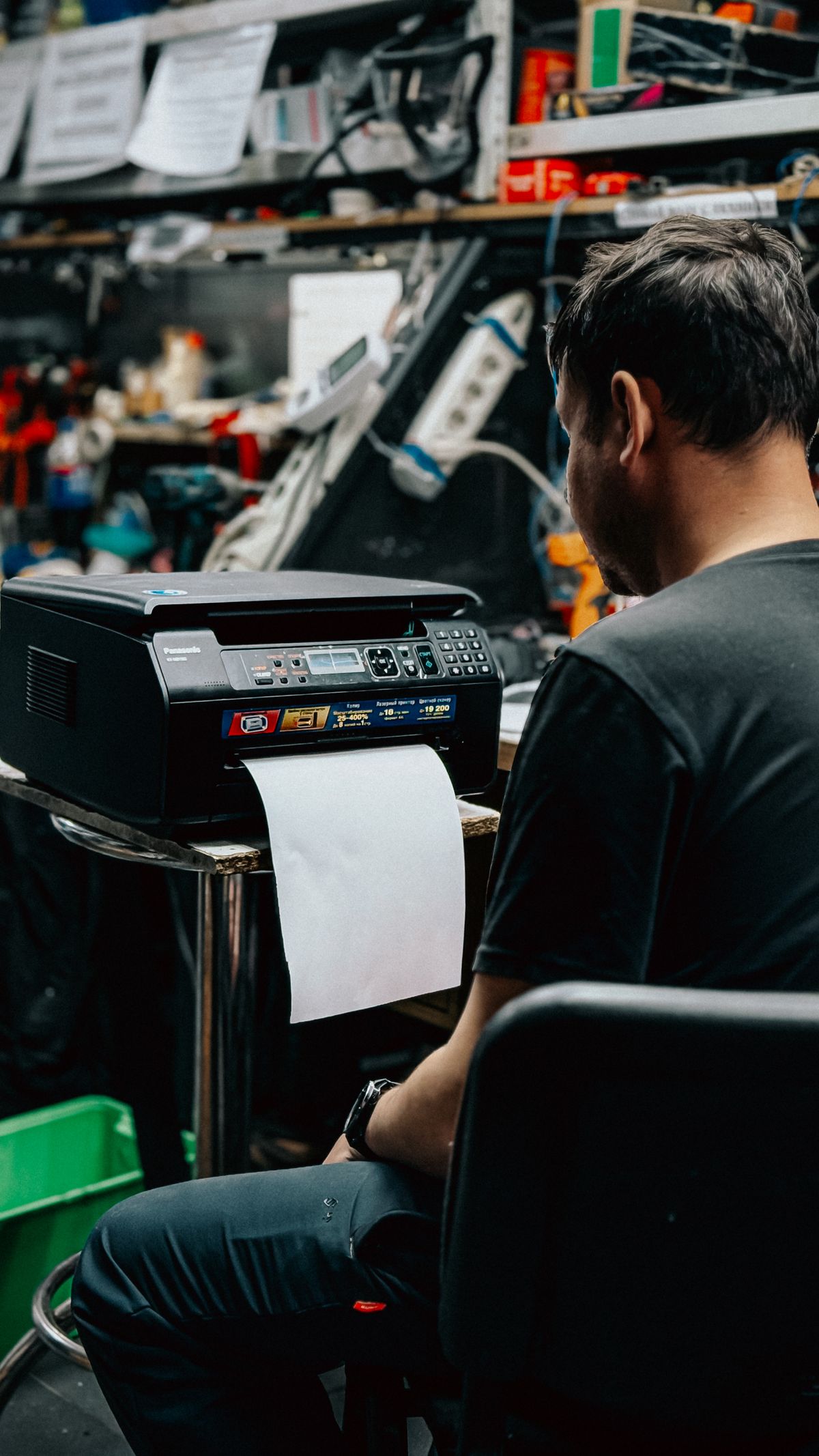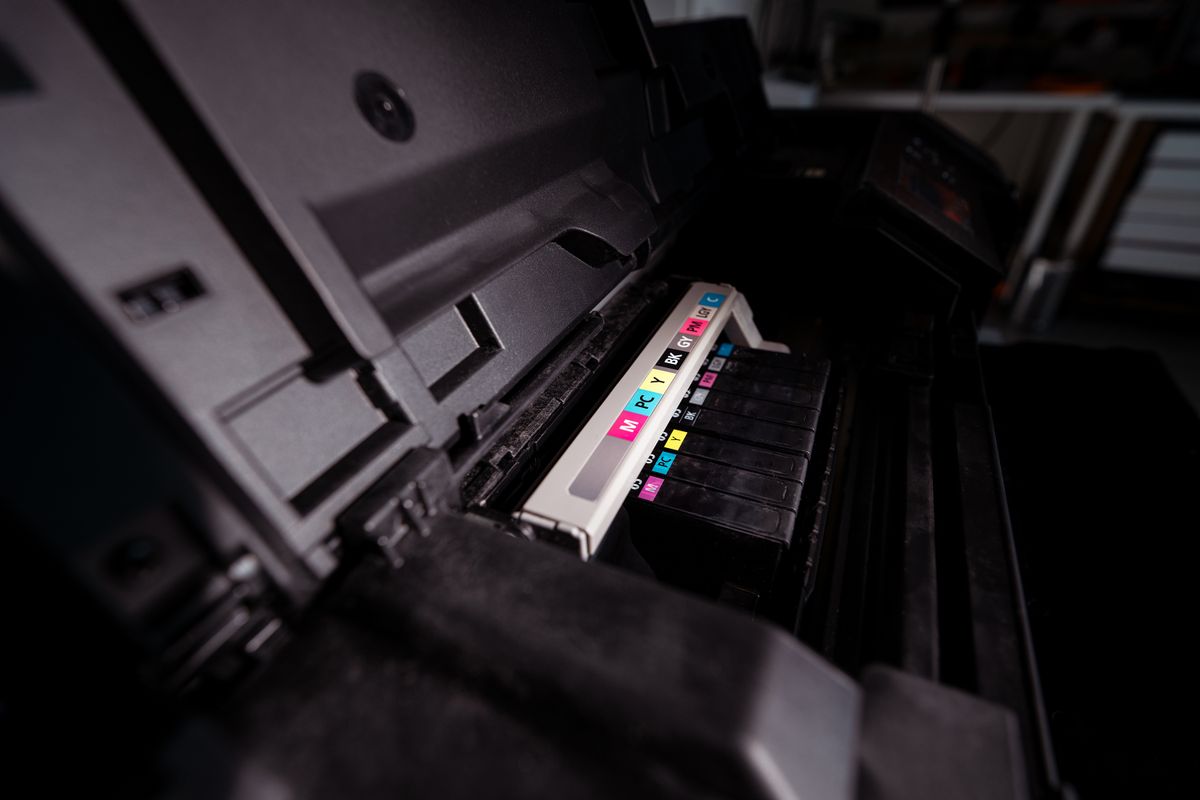
Label paper looks like an ordinary sheet until one corner lifts from its backing inside the printer. Adhesive and loose edges introduce risks that plain paper does not. Choosing the correct stock and treating each sheet carefully is easier than dealing with a detached label in an inaccessible path.
Match the stock to the printer
Check that the label supplier approves the stock for your printing technology and that the printer permits that type of media. Inkjet and laser label products can have different coatings and temperature requirements. A sheet being the correct size does not establish that its adhesive and backing are suitable for the machine.
Read the supported weight, thickness and feed-route requirements in the printer manual. A manual-feed tray or another route may be specified. Select the corresponding media setting so the printer uses the intended process. Do not assume that duplexing is allowed for labels simply because the machine can print ordinary paper on both sides.
Inspect the sheet before loading
Reject sheets with peeling corners, exposed adhesive, curled backing or damage around the edges. Avoid sending a sheet through after labels have been removed unless the printer and media manufacturer explicitly permit that use. Missing labels can change the way the sheet travels and leave unsupported edges in the feed path.
Keep unused stock flat and protected in its original packaging under the stated storage conditions. Do not force a curled sheet flat with heat or an improvised treatment. Align the guides for the actual sheet and load only the amount allowed for that media route. Mixing label sheets into a tray of ordinary paper makes it easier to send the wrong job to them.
Check the layout on plain paper first, then make a small label test with the intended settings. Confirm that text stays within the label boundaries and that the sheet emerges intact. Allow any drying or cooling period specified for the stock before handling it heavily.
If a label detaches or the printer jams, stop and follow the exact model's jam procedure. Do not scrape adhesive from internal rollers or apply solvent inside the machine. If the affected part is outside the approved owner-access area, use support. Saving one partly used sheet is not worthwhile when it creates an uncertain cleaning or repair job inside the printer.