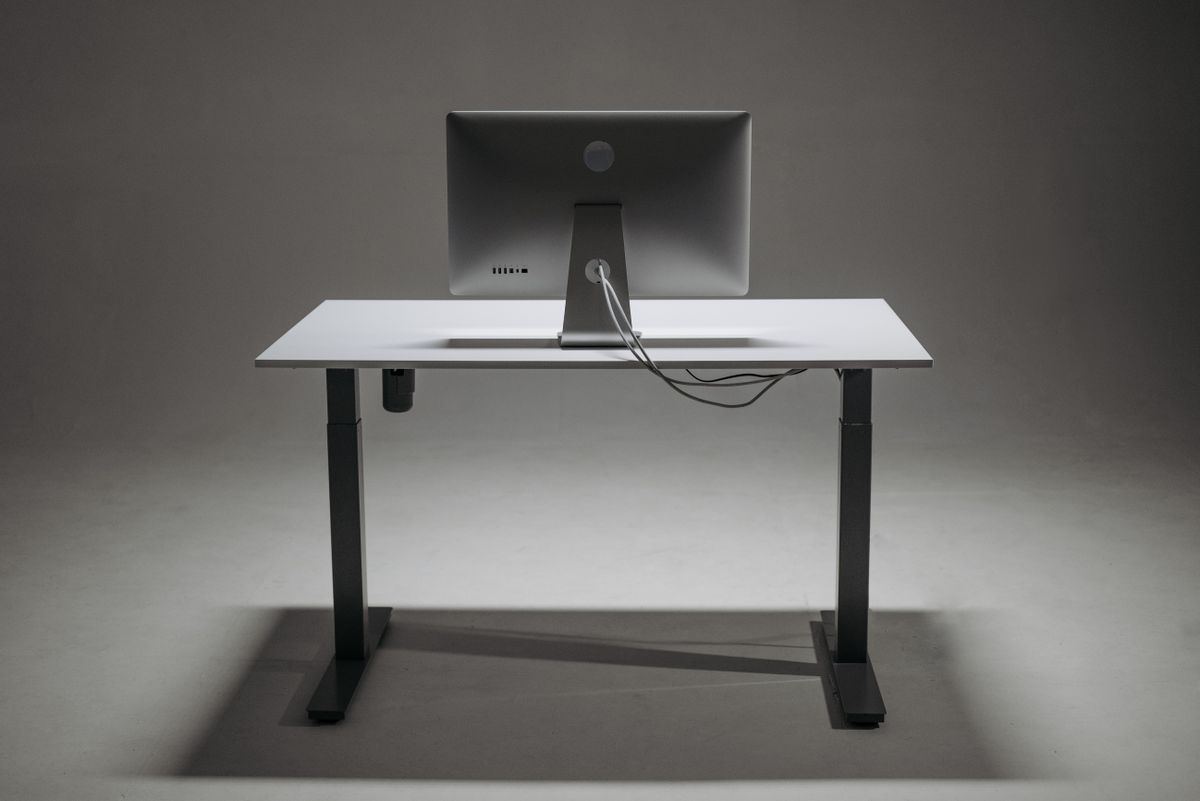
A round opening in a desktop can make a product photograph look organized. It does not tell you where the cables go next. Before choosing a desk for its cable management, trace the full route from the device to the outlet or connection point.
Start with the plugs. A small opening may accept a cable but not its connector, and a removable grommet cap may still leave too little room for a bulky adapter. Check whether the cables can be installed without dismantling equipment or forcing a plug through. Edges should be protected as the desk design requires so they do not abrade insulation.
Look beneath the opening. A drawer, support rail or enclosed panel may block the cable's path. A hole near the back edge is less helpful if the cable must then turn sharply around a metal brace. Leave room for a gentle bend and avoid pulling against device sockets.
Access matters after installation
A cable tray should be reachable when a device changes or a connection needs inspection. Removable covers can be useful, provided they do not require unloading the whole desk. A fully concealed system that takes an hour to open may discourage basic maintenance.
Check whether a power strip or adapter is permitted inside the channel. Do not assume that a compartment designed for cables is suitable for heat-producing equipment. Follow the electrical product's ventilation, mounting and use instructions. Avoid packing spare cable tightly around adapters to fill the space.
For an adjustable-height desk, the route must work throughout the full movement. Cables connected to a floor-standing computer or wall outlet need suitable slack and protection from the mechanism. Test the travel carefully as instructed before securing the final arrangement.
The route should end without crossing the chair wheels or walking area. A tidy desktop is not much improvement if the excess cable forms a loose coil beneath the feet. Use suitable removable ties without crushing the cable or making future changes unnecessarily difficult.
If the desk's openings are poorly located for your equipment, an accessible external route may be more useful than forcing every lead through them. Choose cable features for the connections you have, including the inconvenient plugs, rather than for the empty desk shown in the listing.