A sit-stand desk occupies a changing volume. The top rises toward shelves and windowsills, lowers toward drawers and chair arms, and carries equipment whose cables may be tied to something stationary. Measure that movement before deciding where the desk belongs.
Read the instructions for the exact model. Manufacturers specify clearance, loading, assembly and operating conditions that can differ between products. A gap quoted for another desk is not a universal rule. The UPLIFT manual linked below, for example, gives a specific moving-clearance requirement for its own pneumatic design; your desk's manual governs your installation.
Follow the top through its entire travel
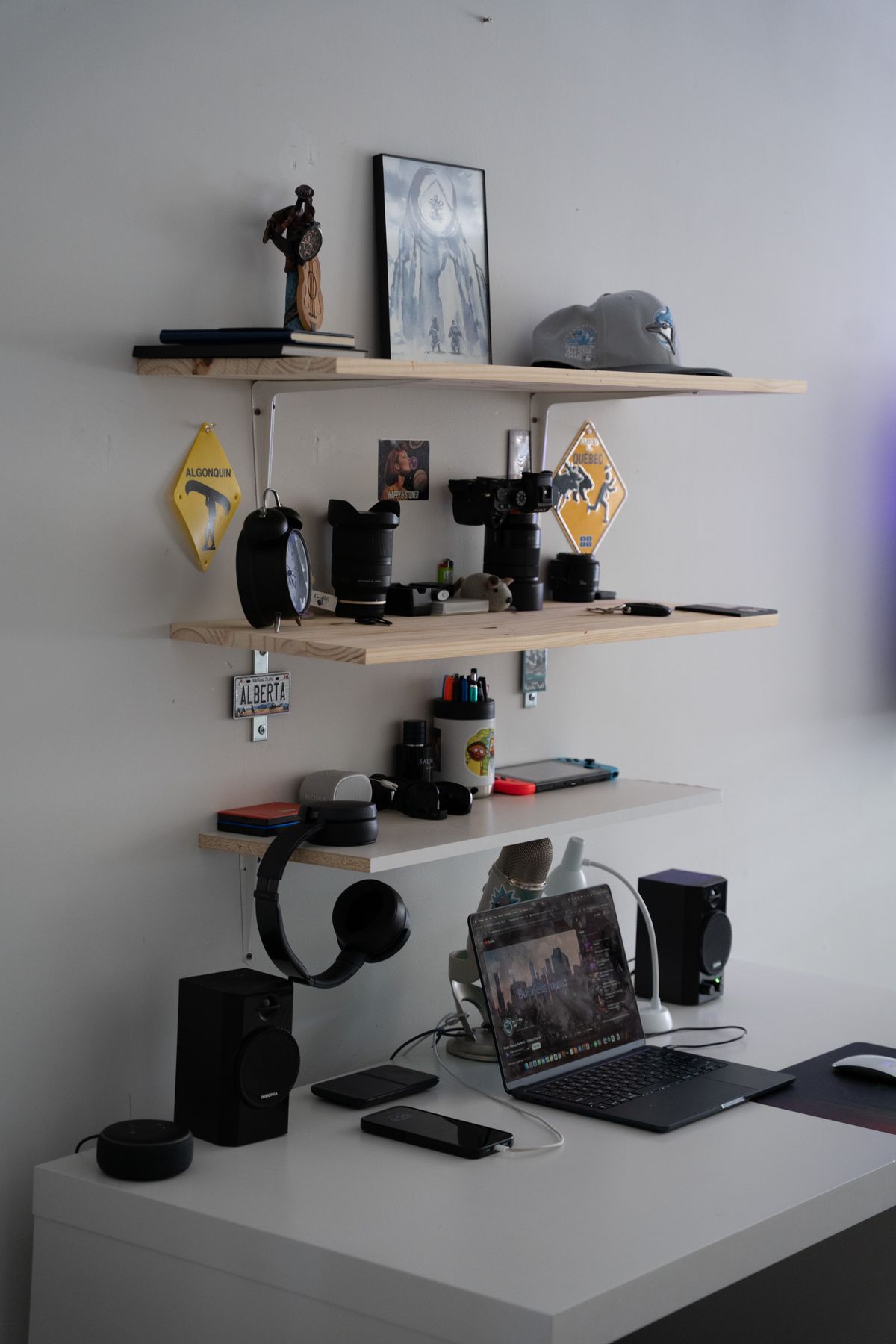
Check above the desktop for shelves, sloped ceilings, open windows and wall-mounted objects. Include the height and movement of the monitor, lamp and any accessories. A screen on an arm may reach beyond the top even when the desk itself remains clear.
Below, look for drawer pedestals, waste bins, storage boxes and the chair's arms. A cabinet that fits comfortably beneath the desk while it is raised may be crushed or stop the top from reaching its lower position. Do not depend on an anti-collision feature to make an obstructed space acceptable.
Check the sides and rear as well. The top should not trap fingers or objects against adjacent furniture. Keep children and pets clear of the movement and follow the manufacturer's access precautions. Controls should not be placed where they can be operated accidentally by a bag or leaning object.
Cables need their own travel allowance
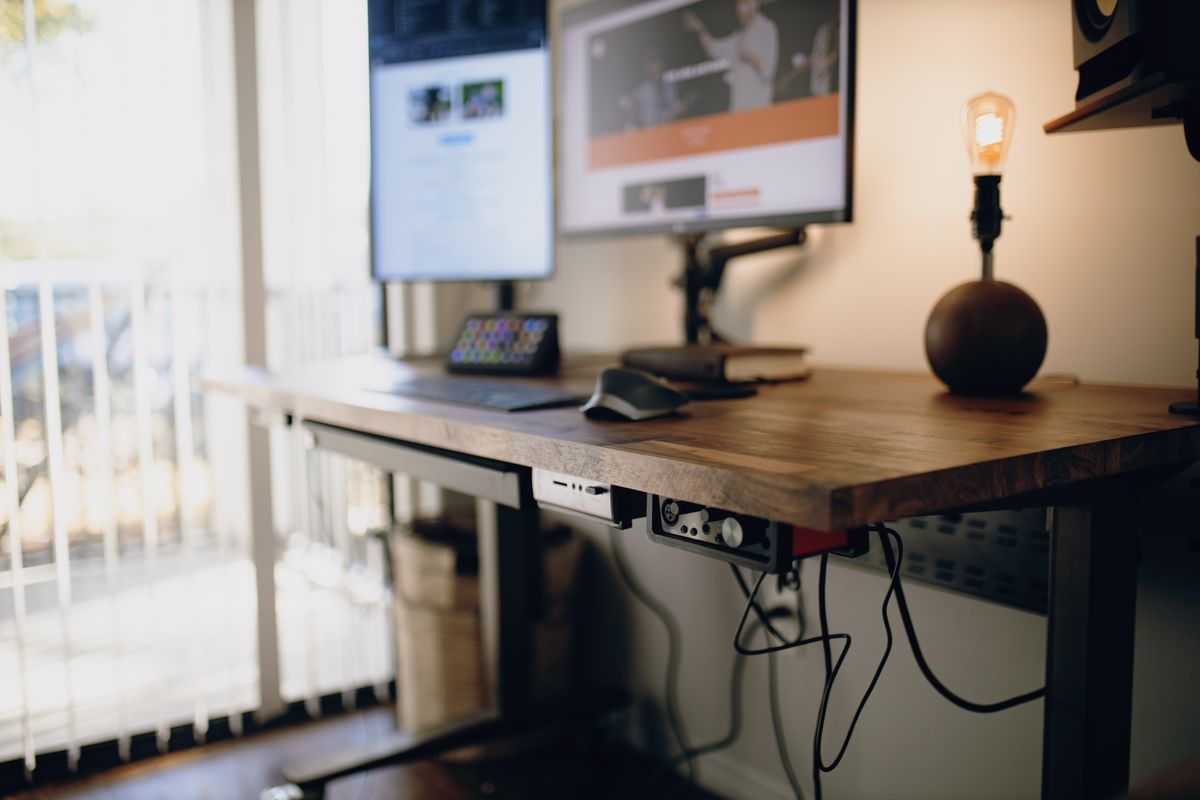
Trace every connection from equipment on the moving top to anything that stays still. This can include power, network, display and USB cables. The shortest one determines the available travel. A lead may become taut before the desk reaches its upper limit, putting pressure on a port or pulling equipment off the surface.
Use the routing and support method recommended for the desk and equipment. Leave appropriate slack without allowing loops to enter the mechanism or chair wheels. Do not wind excess cable tightly around a moving leg. Check that plugs remain accessible and that ventilation openings are not covered by the cable arrangement.
Test a clear setup, then keep it clear
After proper assembly, follow the instructed setup and movement procedure. Keep the surroundings visible and stop if anything approaches an obstruction, stretches or moves unexpectedly. Do not use the desk to push furniture out of its path.
Respect the desk's rated load and distribution requirements. The top, monitors, accessories and other contents may all contribute according to how the rating is defined. Avoid sitting or standing on the desktop unless the manufacturer expressly designs it for that use.
Recheck the moving area after adding equipment or rearranging storage. A safe initial layout can become obstructed by an ordinary delivery box placed beneath it. The useful habit is to look around the desk before each adjustment, so the space remains clear at both sitting and standing heights.