The easiest travel kit to carry is usually the one that leaves unnecessary items behind. A day at a familiar shared office calls for different equipment from a week working in an unfamiliar room. Start with the destination: what screen, power outlet, network connection and work surface will actually be available?
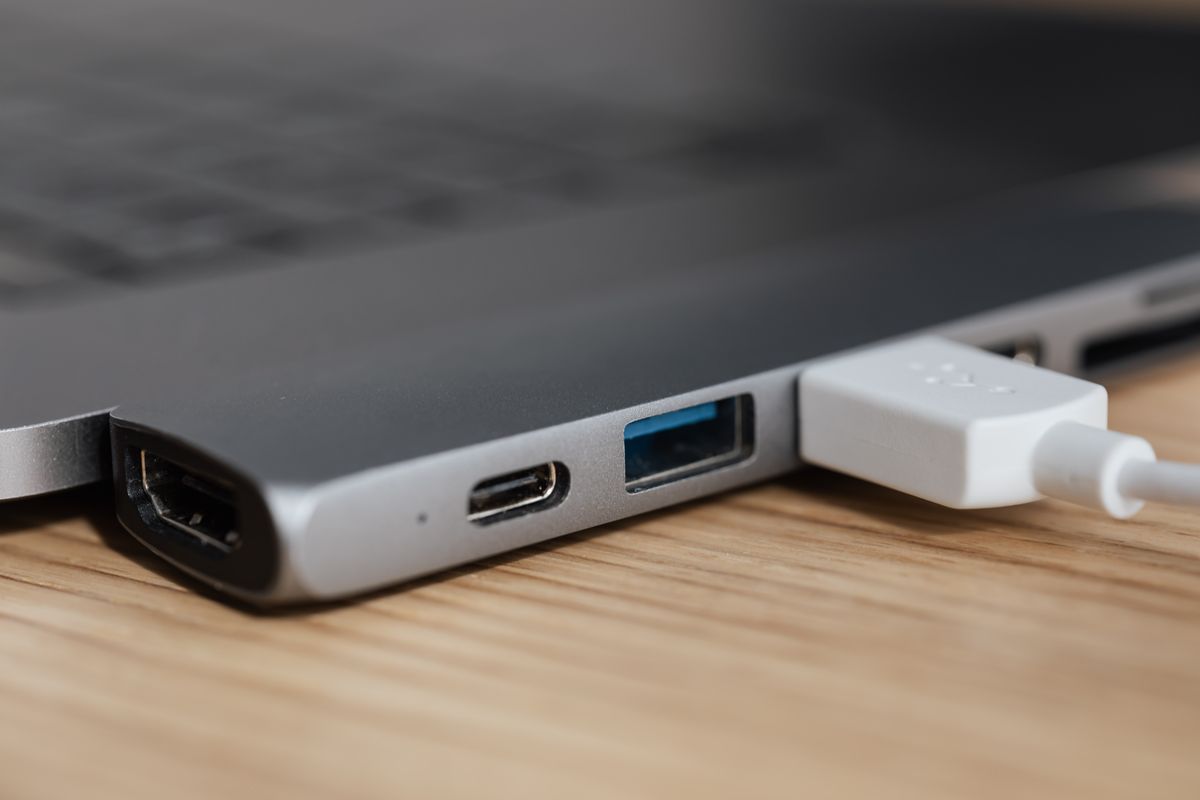
Ask for the display connection if an external monitor is important. Knowing that the room has a screen is not enough; the available input and cable determine whether an adapter is needed. If the destination is unknown, choose a small set of adapters for plausible needs rather than packing every connector accumulated over several years.
Power comes first
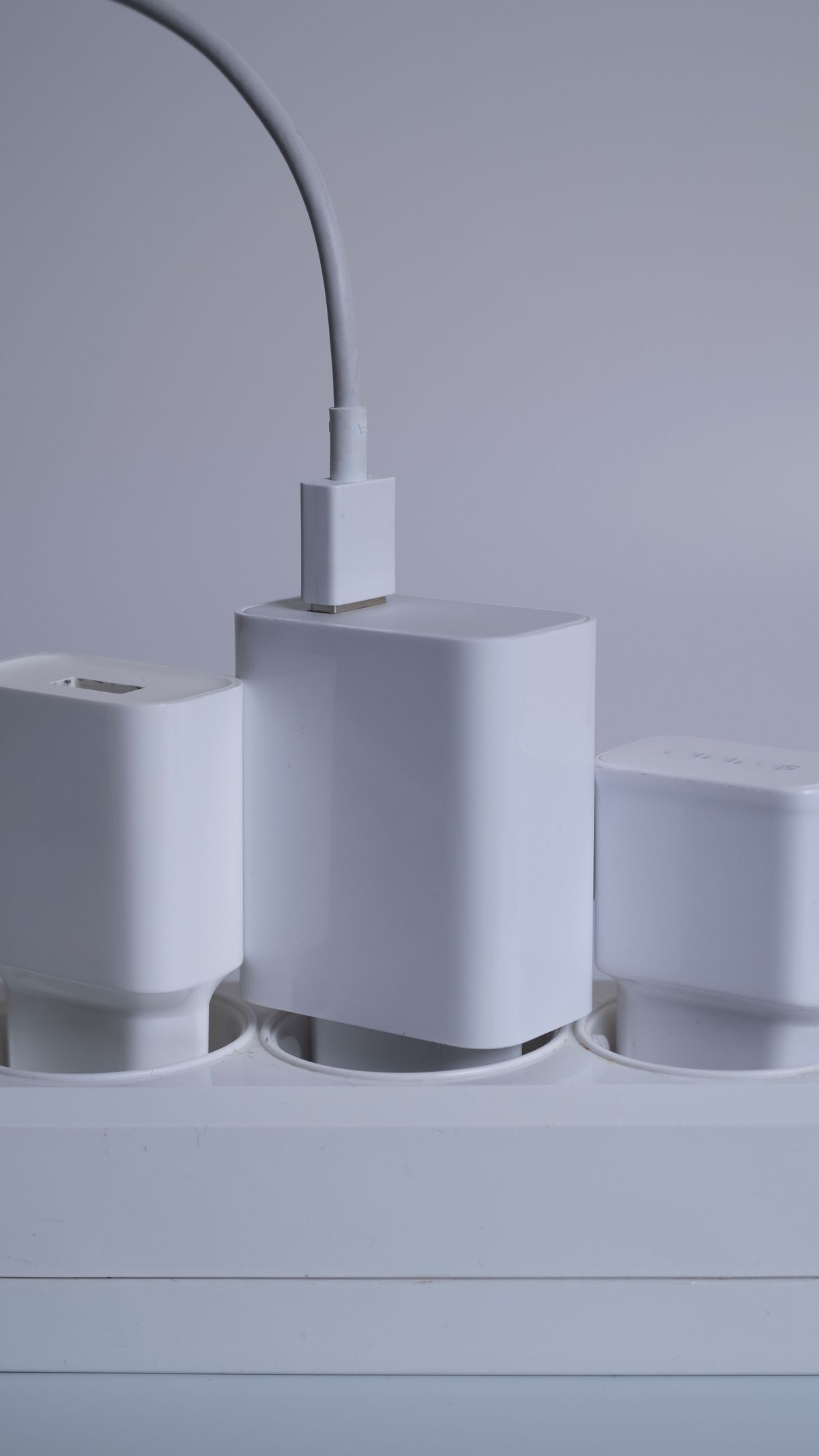
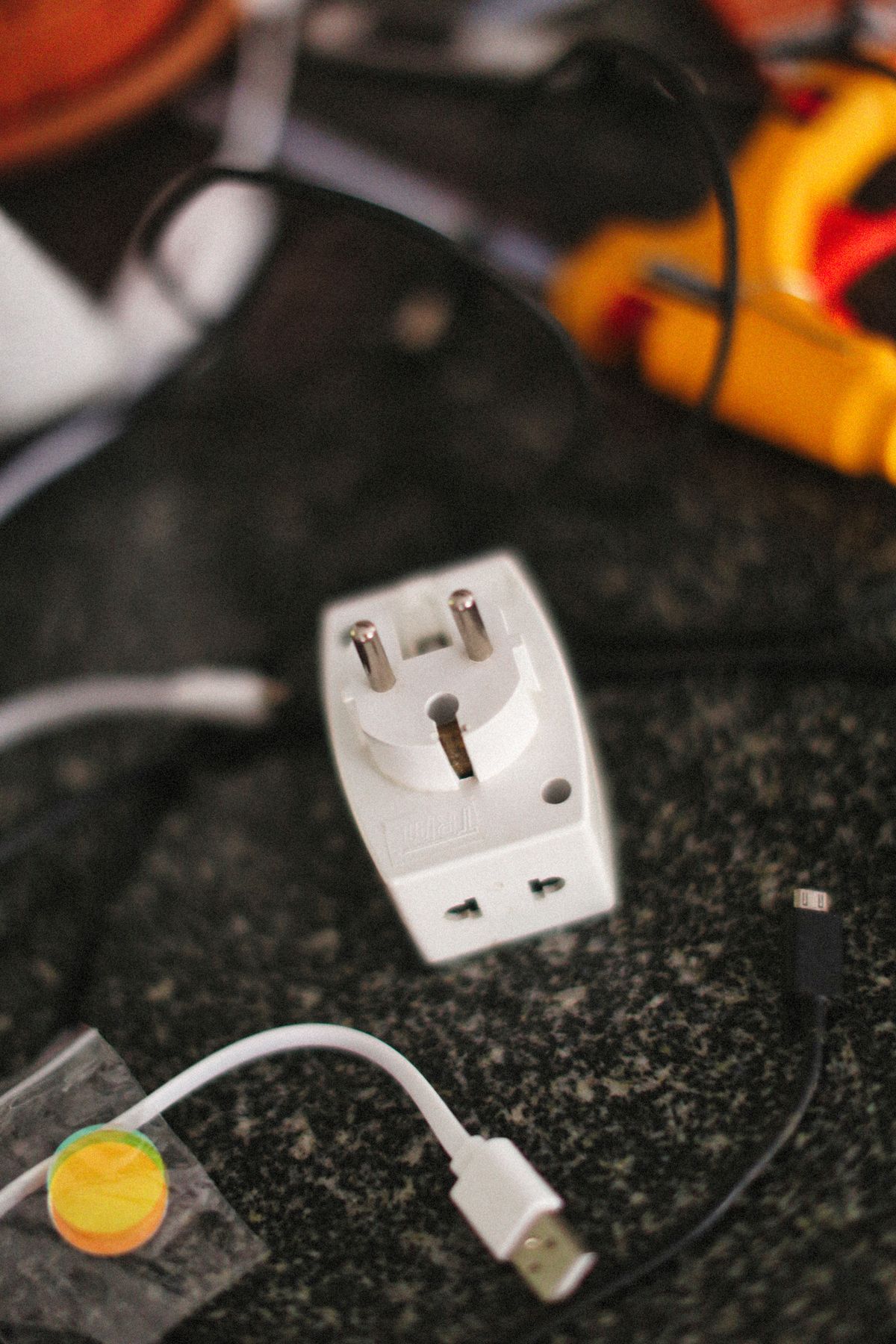
Take a charger suitable for the laptop and a cable whose rating is known. A small phone charger that fits the port may not provide the power the computer needs. For international travel, check the charger's input voltage and frequency range and the destination's plug type. A plug adapter changes the physical connection; it does not automatically convert voltage or make an incompatible device suitable.
Keep the charger accessible rather than at the bottom of a tightly packed bag. Leave it room to operate according to its ventilation guidance. Avoid using damaged or unidentified adapters as travel spares simply because losing them would be less inconvenient.
Add the pieces that change the working position
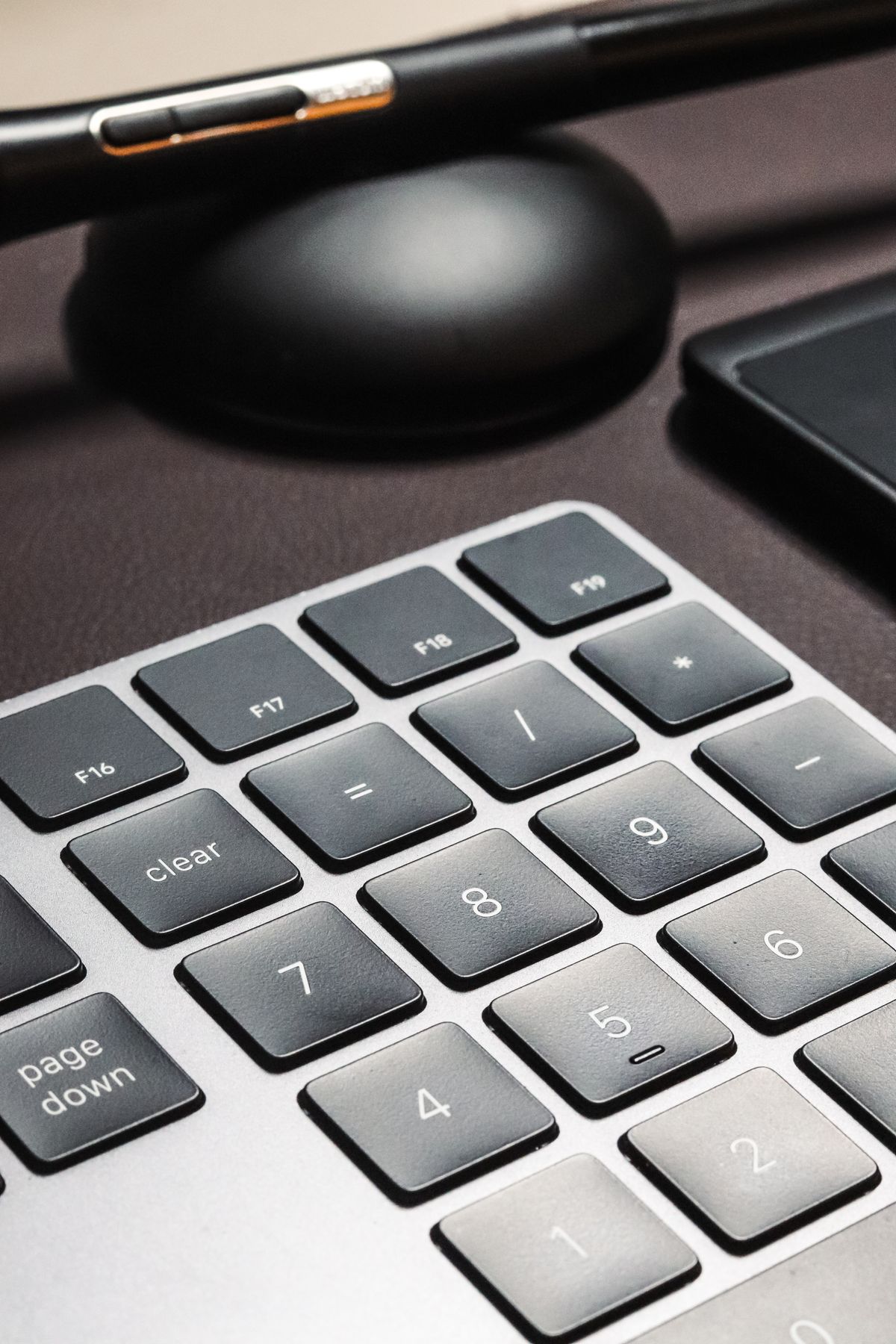
A folding laptop stand is most useful when accompanied by an external keyboard and pointing device. Otherwise, raising the computer also raises the keys you must reach. Decide whether the length and nature of the visit justify carrying the complete arrangement. For brief tasks, a smaller kit may be the more realistic choice.
A headset can be valuable in a shared room, but check its connection and charging needs before leaving. A wired set avoids one battery concern; a wireless set may offer more freedom. Pack the receiver if it is required. Test the kit as a group once rather than discovering at the destination that two accessories compete for the same only available port.
Keep the handoff simple
Use a pouch with visible compartments for small parts and protect connectors from pressure. Bring only approved storage devices for work files, following the organization's data-handling rules. Do not assume a convenient unknown USB device or shared computer is an appropriate route for confidential material.
Before leaving the borrowed desk, account for the charger, receiver and adapters. Restore shared equipment to its normal arrangement and disconnect your devices deliberately. A short personal packing list is often more effective than buying a larger organizer: the aim is to arrive with what is needed and return with the same useful pieces.