A row of sockets solves a shortage of places to plug in. Surge protection addresses certain voltage spikes. Those are separate functions. A basic power strip may provide extra outlets without surge protection, while a surge protector should explicitly state its protection features and relevant ratings.
Read the product label and instructions rather than judging by an illuminated switch. A power light can simply mean that electricity is available. On a surge protector, a separate protection indicator may report the condition of the protective components. The meaning of each light is model-specific.
Start with the equipment and the outlet
Choose a product rated for the electrical system and intended use in your location, with appropriate safety certification from a recognized testing organization. Check the combined load and follow the limits specified by the product and equipment manufacturers. The number of empty sockets does not tell you how much additional load is safe.
Do not use an office power strip as a convenient connection for a space heater or other equipment that requires a direct wall outlet. Follow those appliances' instructions. Do not remove a grounding pin, use an unsuitable adapter to defeat grounding, or connect strips together to reach farther. If the room lacks suitable outlets for its regular equipment, obtain advice from a qualified electrician.
Plan for bulky plugs
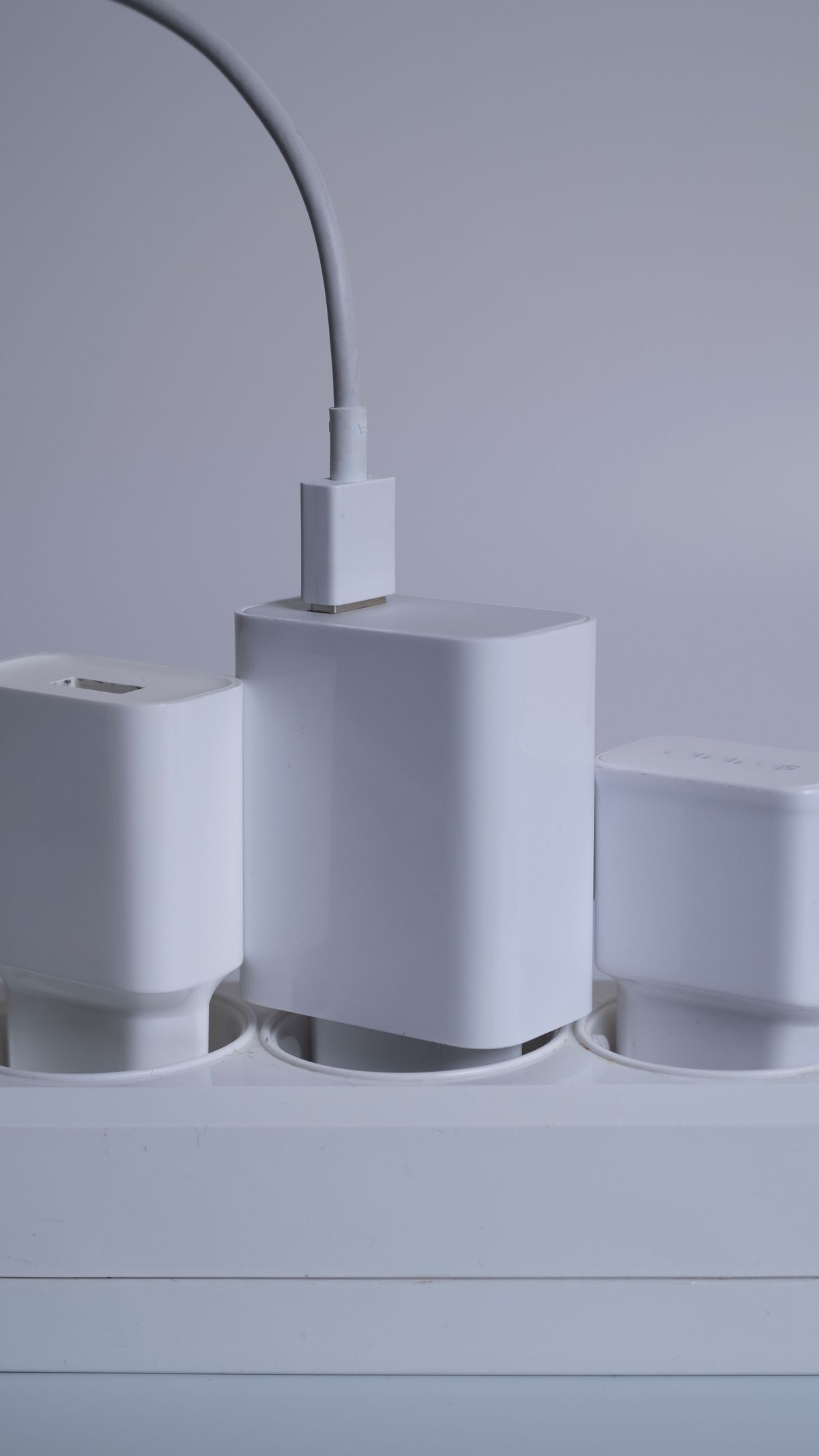
Large power adapters can cover neighboring sockets. Look at spacing and orientation, including the clearance near the switch. A strip with a modest number of well-spaced outlets may serve the desk better than one with more sockets that cannot be used together.
Mount or place the product only as its instructions allow. Keep it dry, accessible and away from places where the cord can be crushed or covered by a rug. A location where the switch is easy to reach also makes it easier to respond if equipment behaves unusually. Do not bury the strip under paper or inside an unsuitable closed container.
Protection has limits
A surge protector is not a battery backup and will not keep a computer running through a power outage. It also does not guarantee protection against every electrical event. Its protective components can wear out, and some designs may continue supplying power after protection is no longer effective. Follow the manufacturer's indicator meanings and replacement instructions rather than using an arbitrary replacement schedule for every model.
If a cord, plug or strip is damaged, discolored, loose or unusually hot, stop using it and address the problem safely. Repeatedly resetting a tripped device is not a repair. Warranty language is not a substitute for correct installation and loading; any connected-equipment coverage has its own conditions.
For a small office, the purchase decision is quite concrete: suitable electrical ratings, documented surge protection if needed, enough correctly spaced sockets, an appropriate cord route and understandable status indicators. Extra outlets should make the desk more usable without disguising an overloaded or inadequate power arrangement.