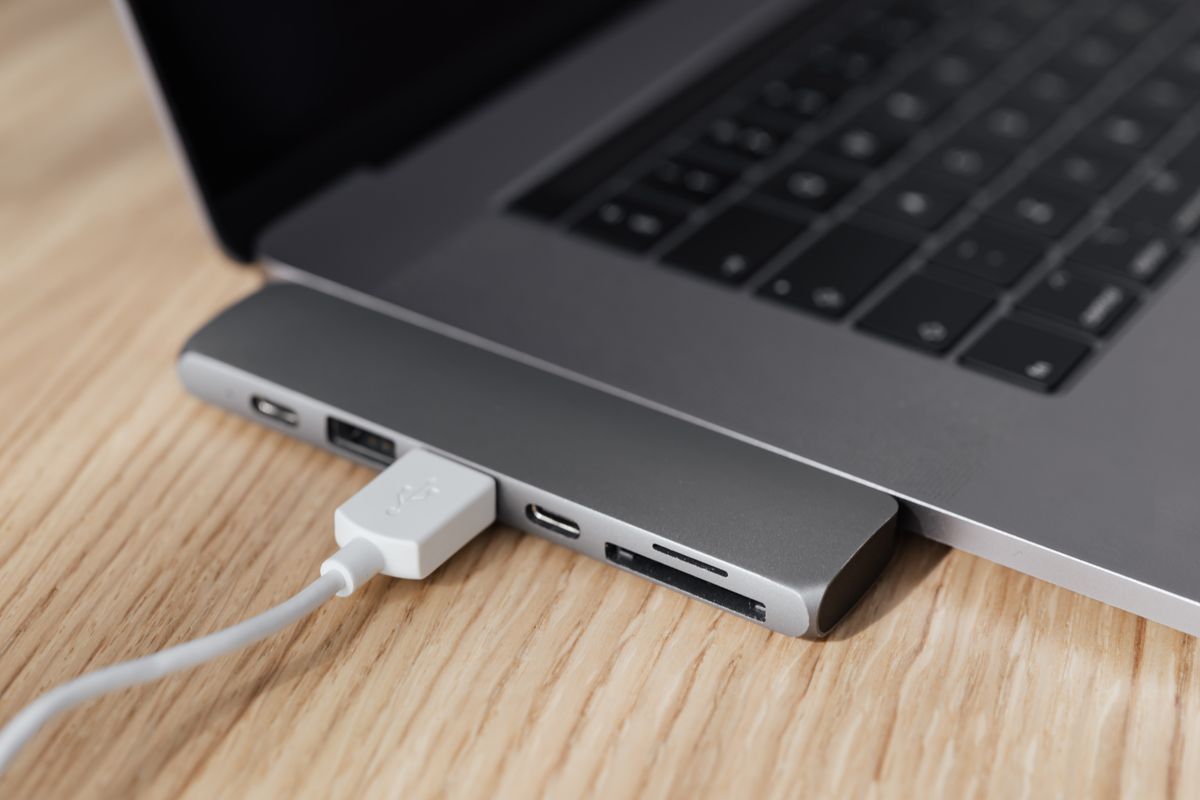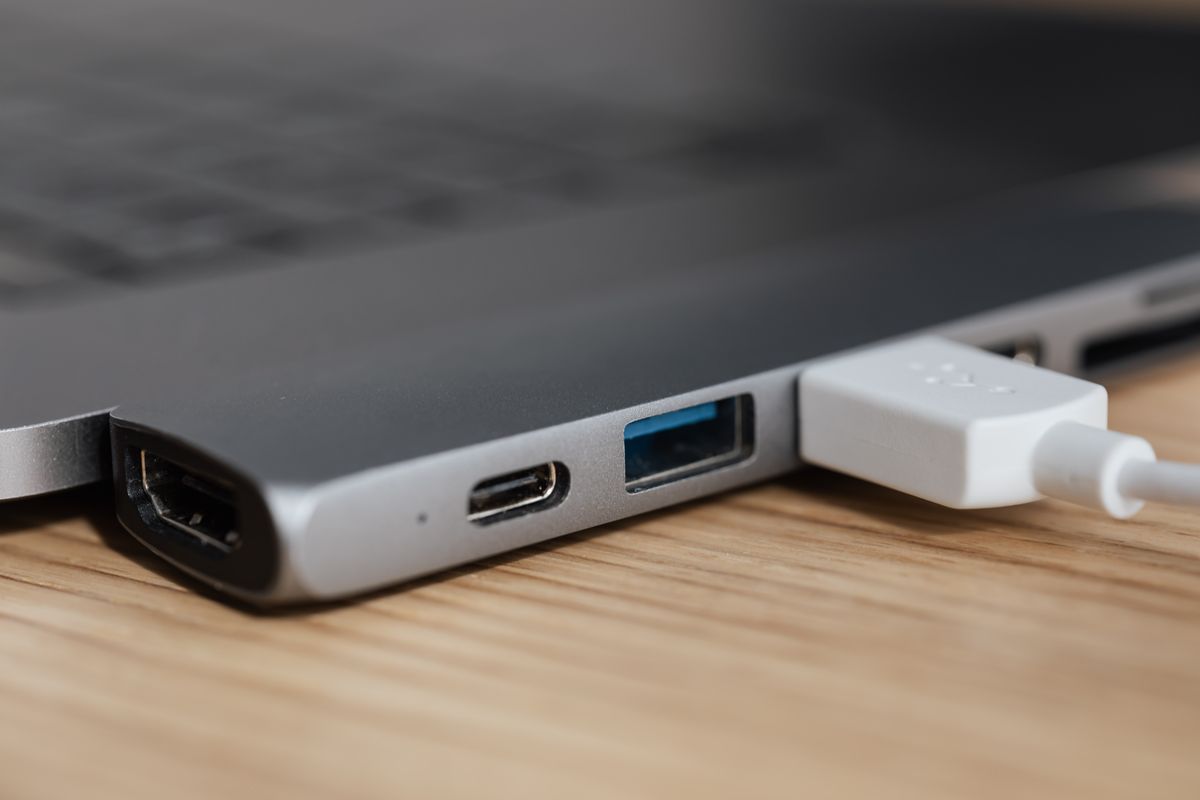
The cable that charges a phone may fit a monitor perfectly and produce no picture at all. Nothing is necessarily broken. USB-C describes the physical connector; it does not promise that every socket and cable provides the same functions. That distinction is easy to miss when a product listing shows a close-up of the plug instead of a clear specification.
Think of a connection as three separate questions. Can it deliver the power the device needs? Can it move data at the required speed? Can it carry the display signal you intend to use? A positive answer to one does not settle the others.
Read the port description, not just its shape
A laptop may have several USB-C sockets with different capabilities. Open the specification for the exact model, including its generation, and identify each port. Look for the manufacturer's description of charging input, data transfer and display output. A symbol beside the port can help, but an unlabeled socket is not a reason to guess. The manual should explain what the machine supports.
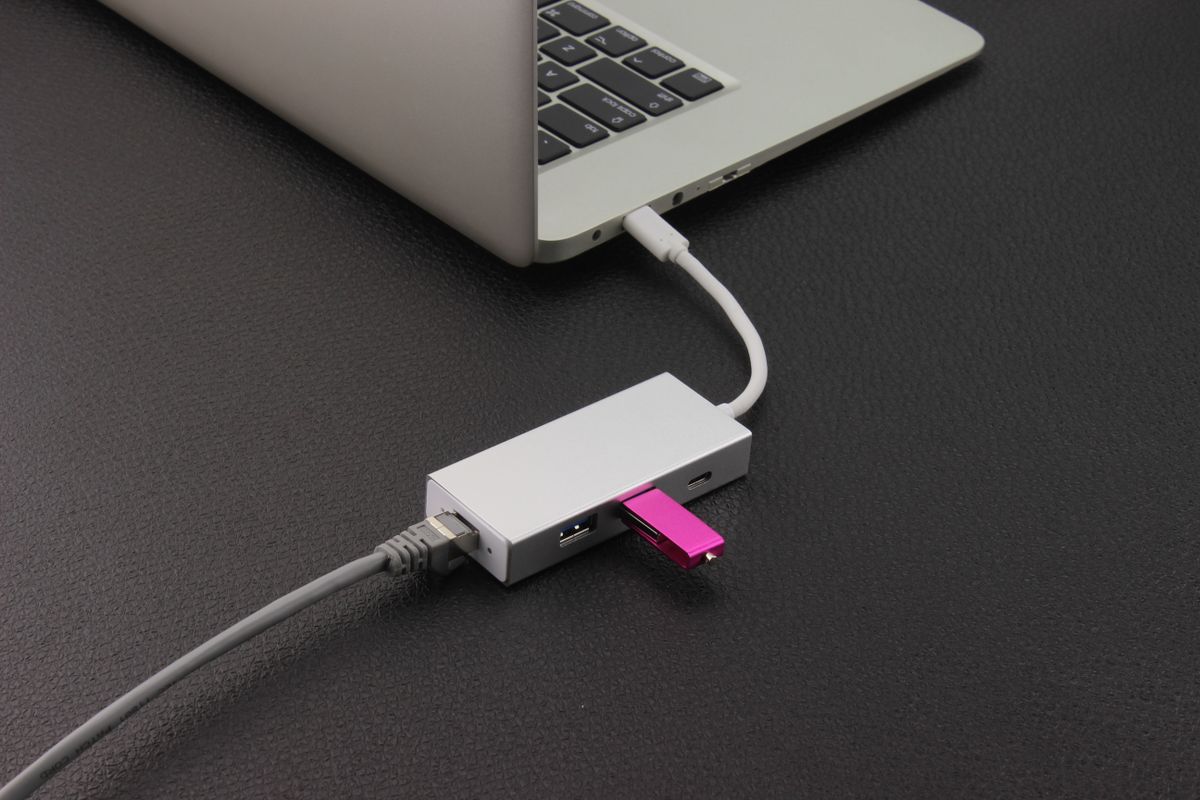
Consider a desk with a laptop, monitor and external drive. If you want one cable to connect all three through a dock, the laptop must support the dock's connection method, the dock must support the display arrangement, and the cable between them must be suitable. The monitor's USB-C socket might accept video and charge the laptop, or it might serve a different purpose. The printed specification matters more than the convenience suggested by the connector.
A cable has its own limits
Cable listings should state power capacity and data capability separately. A high charging rating is not evidence of a fast data connection. Likewise, a fast data rating does not by itself describe every possible video configuration. USB-IF certification markings can make supported power and data capabilities easier to identify, but the whole chain still has to support the intended use.
Keep the cable supplied with a dock or display until you have established that a replacement meets its requirements. When several similar cables share a drawer, label the one that you have verified for the monitor. A small note saying which equipment it belongs to is more useful than relying on its color or thickness.
An adapter changes a connection only within its supported design. It cannot add display output to a port that does not provide a compatible signal. Before buying another adapter to solve an uncertain connection, write down the laptop model, the port, the destination device and the desired function. That short description usually exposes the missing specification and prevents a collection of cables that fit but do not do the job.