The most convenient charging cable is long enough to reach without pulling, short enough to manage and rated for the equipment it connects. Color, braid and a reassuringly thick jacket do not establish that rating. For USB-C equipment, read the cable's stated power capability alongside the requirements of the charger and device.
A cable advertised for high-power charging does not turn a low-power charger into a more powerful one. The charging arrangement depends on the device, charger and cable working together. If a multiport charger supplies several devices, its available output may also change according to the ports in use. Check that distribution in the charger's documentation instead of assuming each socket always provides the headline output.
Choose the route before the length
Measure from the outlet or charger to the device in its usual position, following the route the cable will actually take. Include the turn around the back of a desk and a little movement for picking up the device. A cable stretched diagonally across open space may reach on paper but still be inconvenient in use.
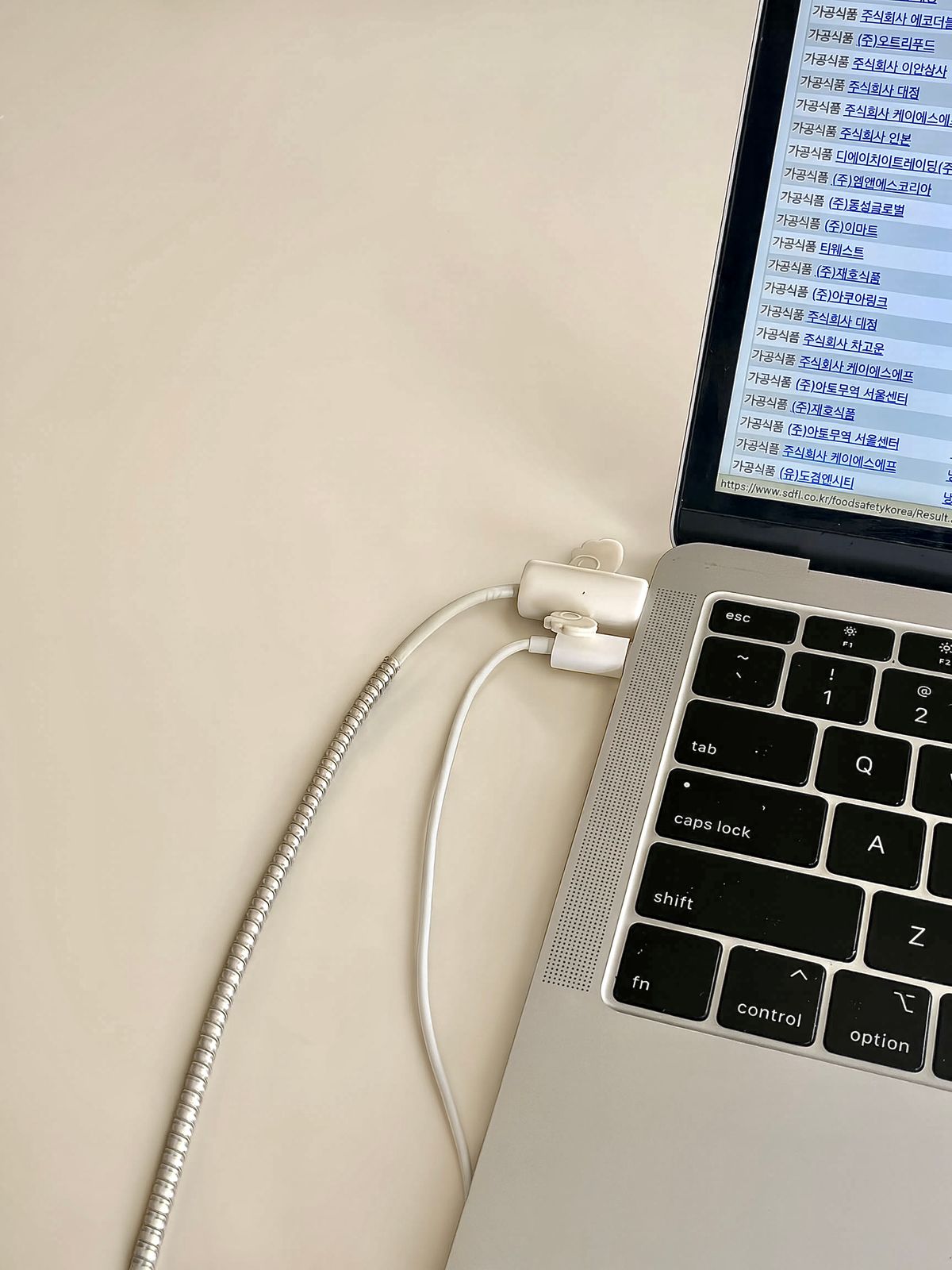
A longer cable is not automatically more versatile. Excess length can fall into chair wheels or become a tight bundle behind a laptop. Where a cable runs through a furniture opening, make sure its connector fits the opening and the edge cannot abrade the jacket. Follow any routing and bend guidance supplied with the cable.
Keep charging and data needs separate
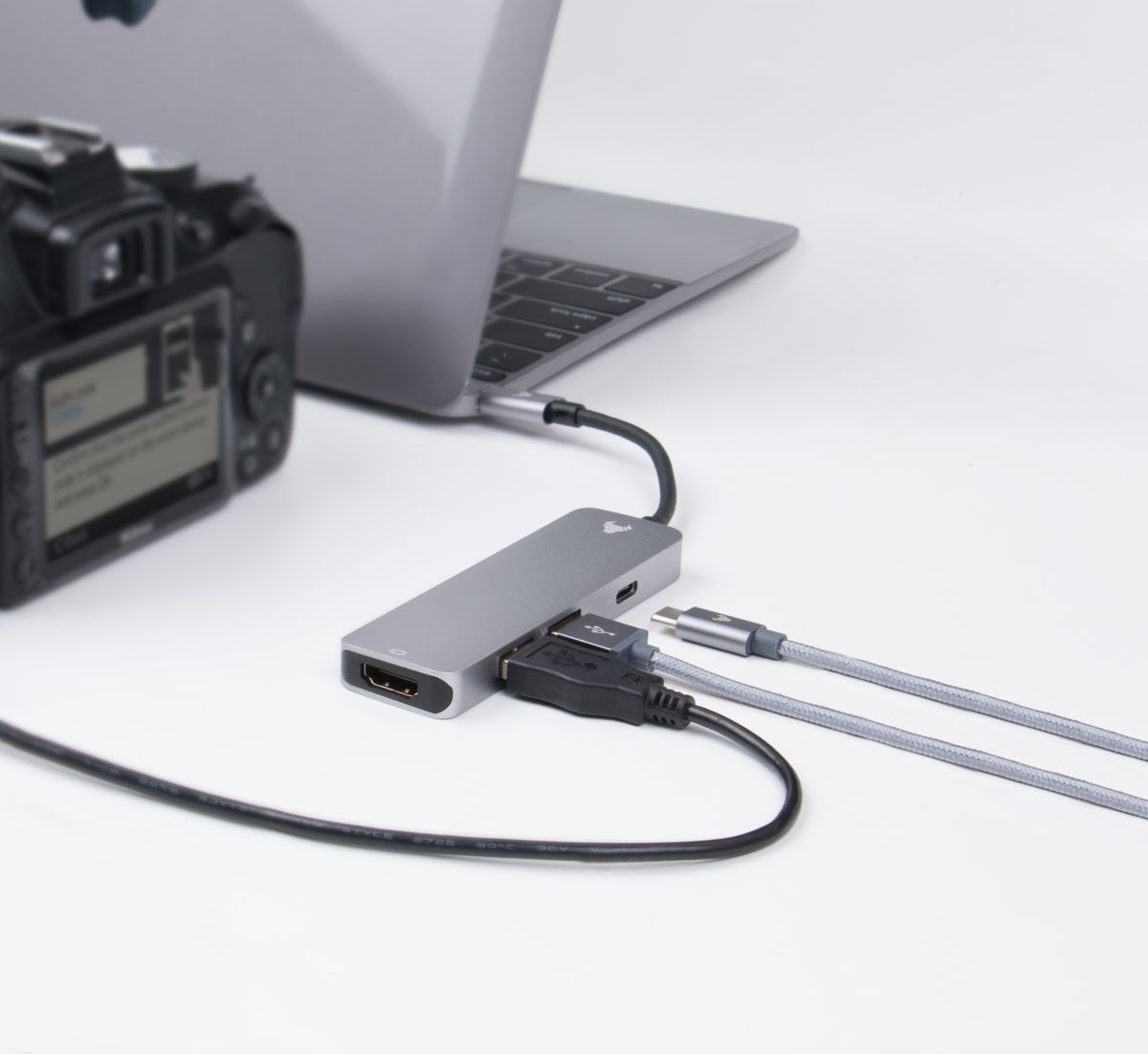
Some charging cables transfer data only at modest speeds. That can be perfectly adequate for a cable that stays beside a phone, but frustrating if it is also used to move large files. A cable intended to connect a display needs appropriate display support, not merely an attractive power rating. Buy for the functions you will use and label a dedicated cable if several similar ones share the desk.
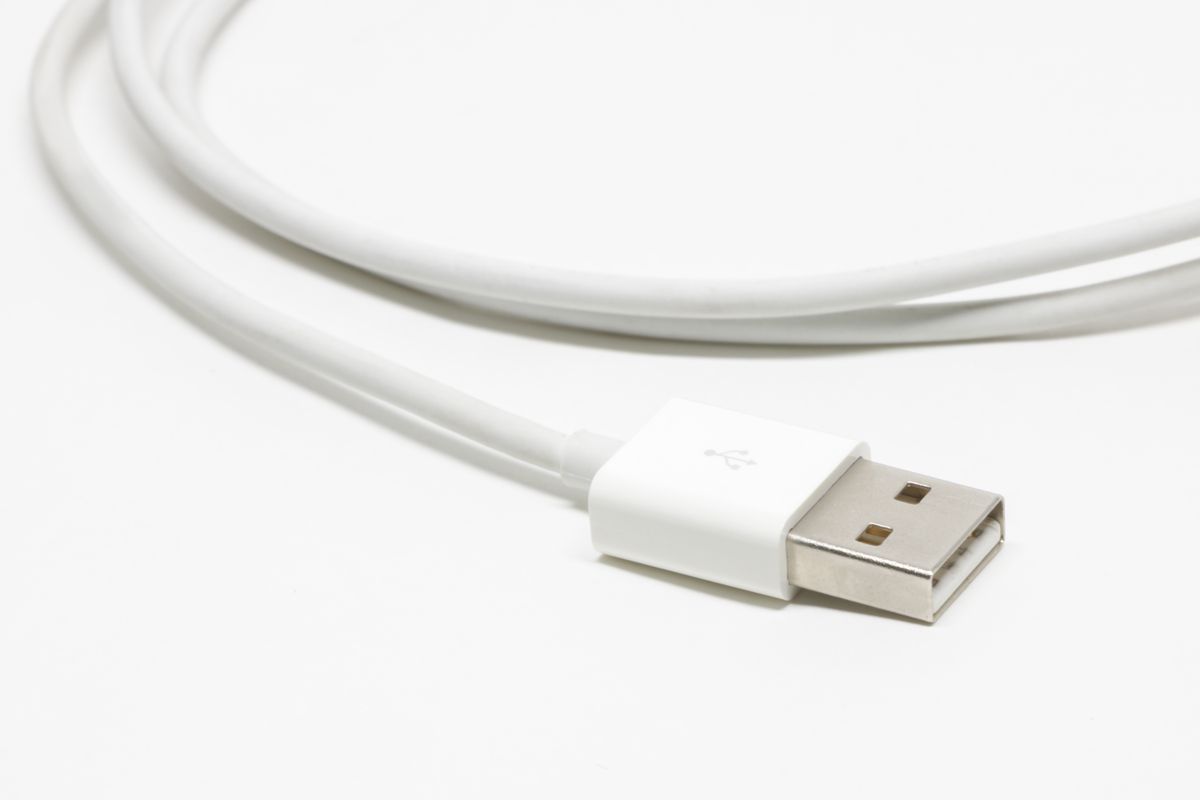
Inspect the connector and jacket when plugging in. Fraying, exposed conductors, discoloration, looseness or unusual heat are reasons to stop using the cable and investigate safely. Tape is not a dependable way to restore a damaged charging cable. Pull on the plug body when disconnecting rather than using the cable as a handle.
For a spare, choose a clearly specified product from a traceable supplier with relevant safety and compatibility information. Keep its rating somewhere you can retrieve it after the packaging is gone. A reliable spare is one whose capabilities are known, not simply one whose plug happens to fit.