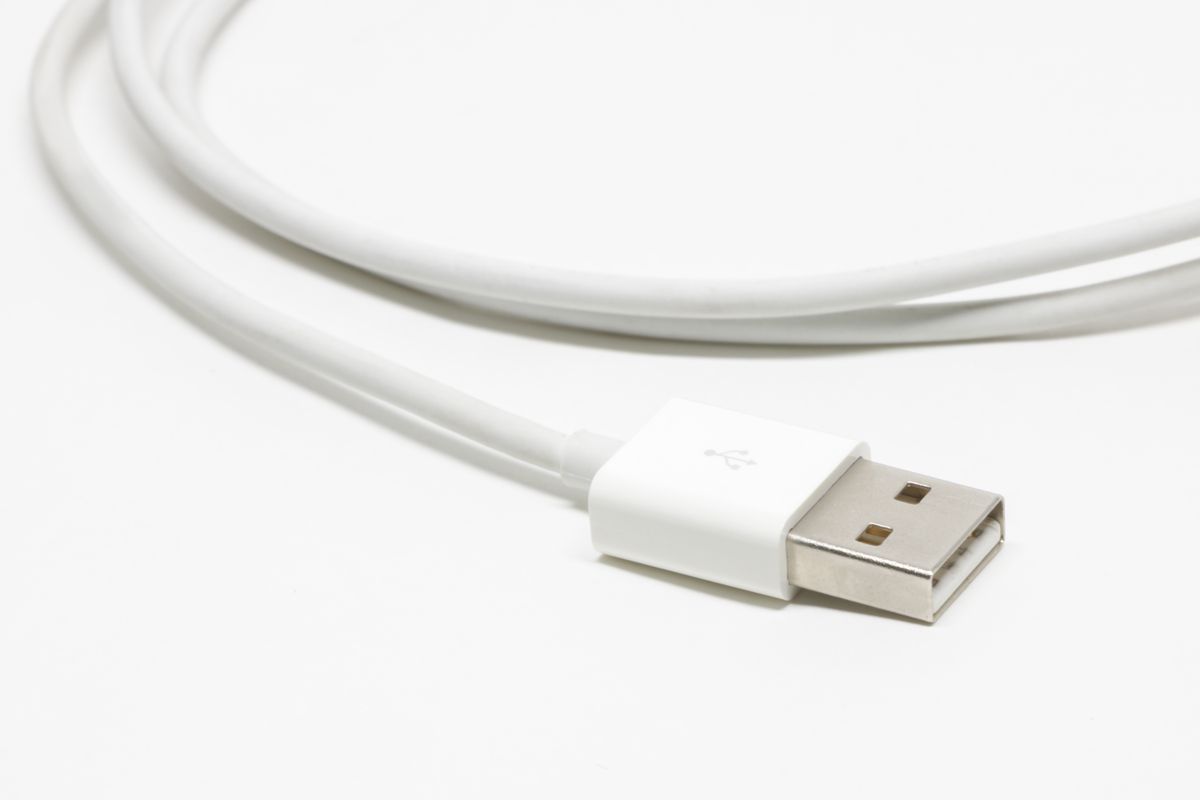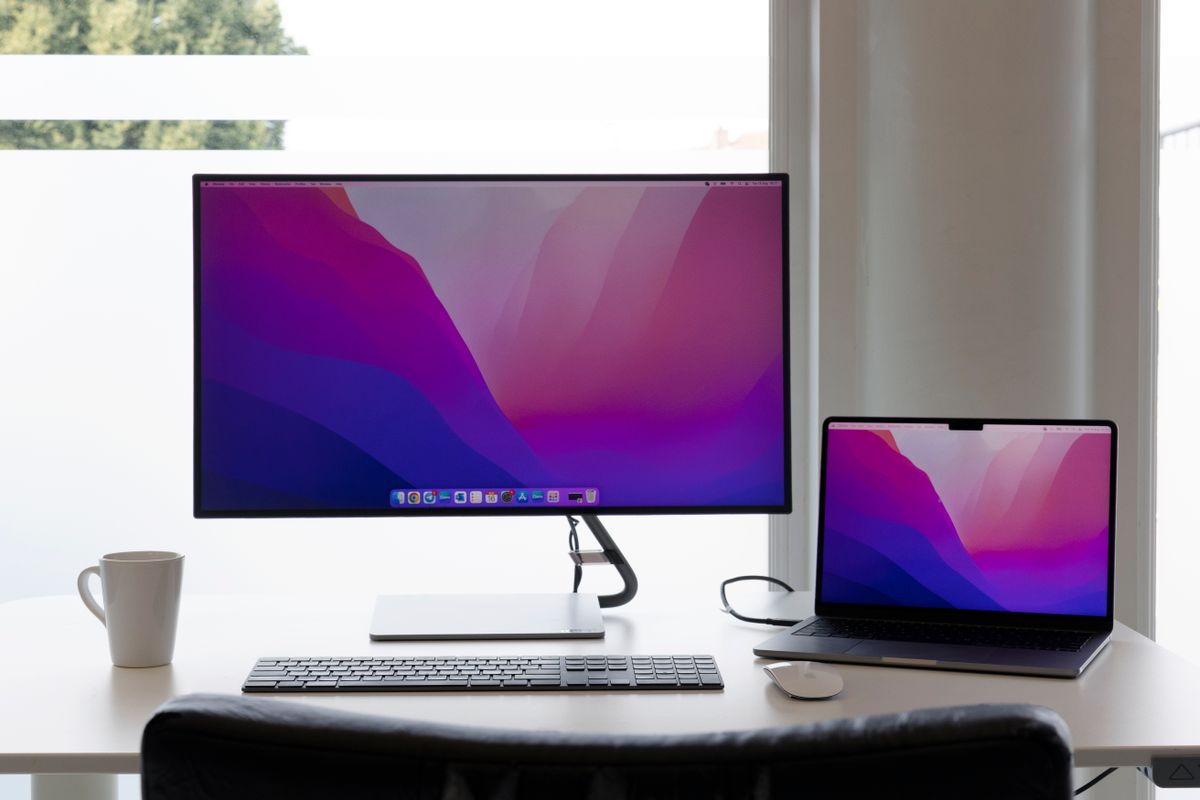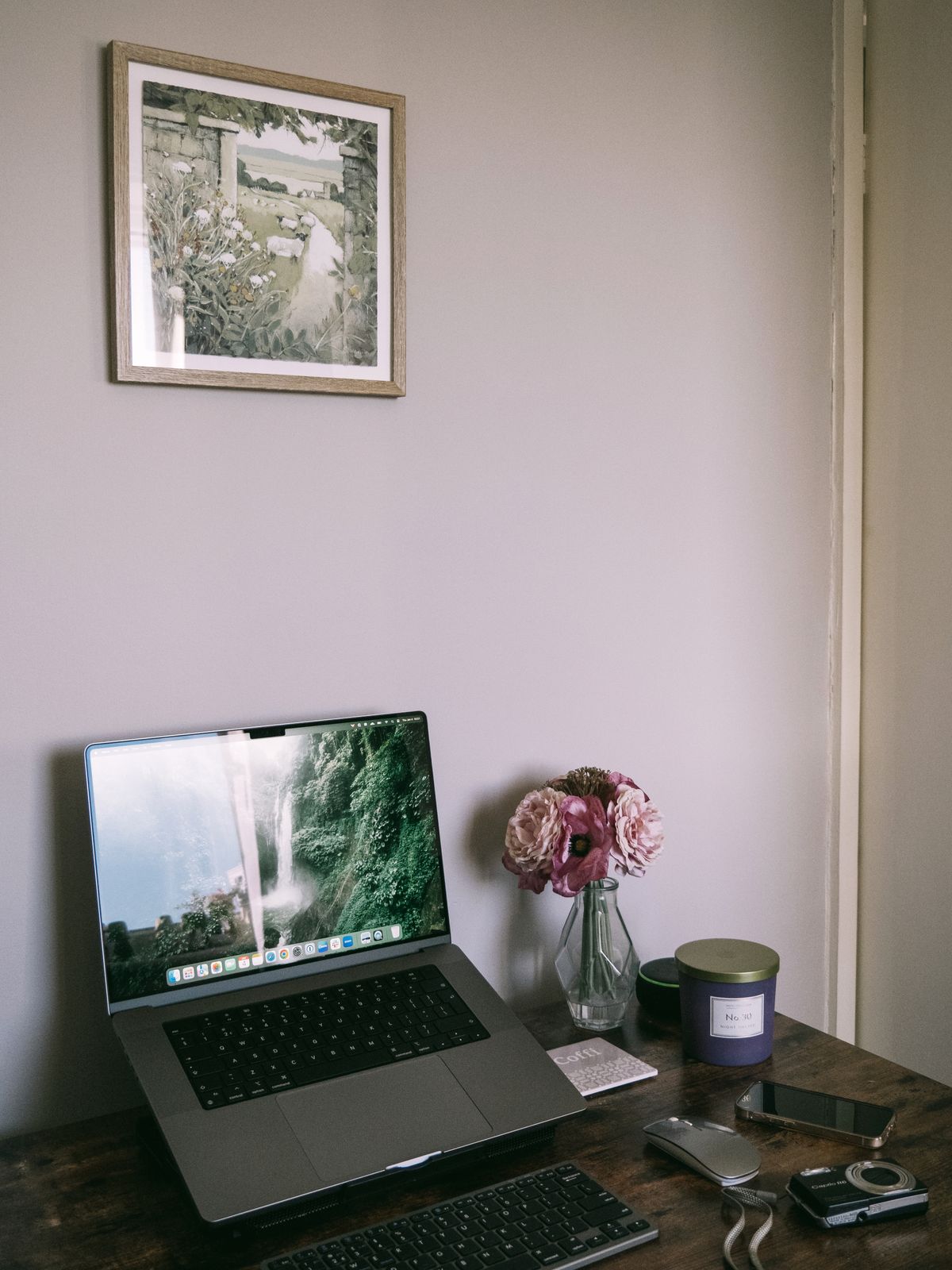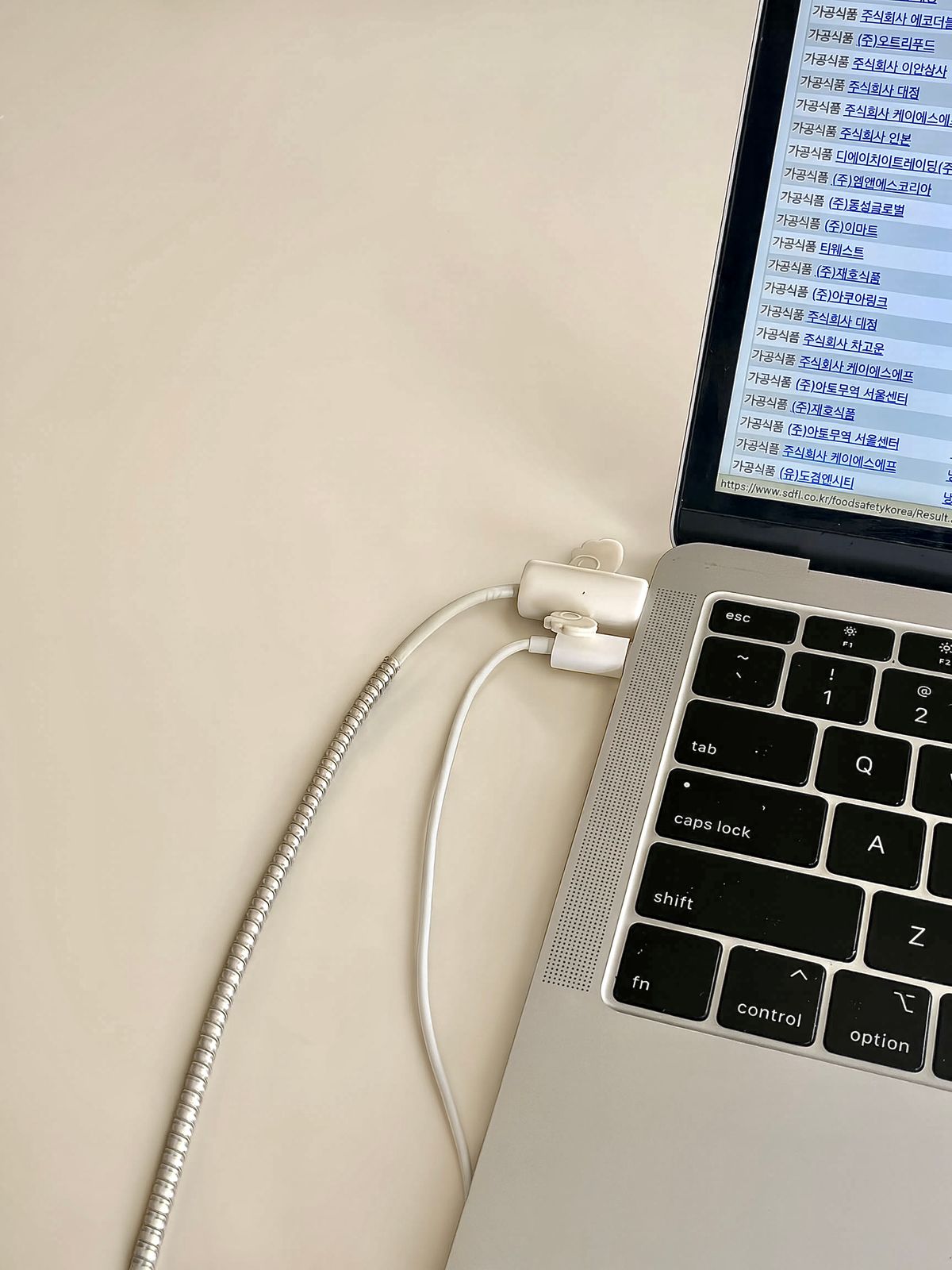
A cable can look tidy while the desk is still and become a problem the moment a monitor turns. A printer's rear access panel may need to open. A laptop may slide forward for a call. The route should allow those ordinary movements without transferring the force to a socket.
Set the equipment where it belongs, then move it as you actually use it. Pull the chair back, adjust the screen and open any drawer that passes near the cable. For an adjustable-height desk, check both ends of its travel according to the desk instructions. Keep hands and cables clear of moving mechanisms while testing.
Follow the route, not the straight line
Measure along the intended path: behind the monitor, through the desk opening and down toward the outlet or dock. Include space for gentle turns. A straight-line measurement between the two devices usually understates the length required by a neat installation.
Some slack is useful near a connection, but it should not form a loop that can catch a foot or wheel. Reusable ties can gather compatible low-voltage leads without cinching them hard. Avoid sharp folds and do not force a thick cable around a tight corner. Follow the cable maker's bend and installation guidance when it is provided.
An extension is not always neutral
Adding an extension or another adapter changes the connection. Data performance, power delivery and supported cable length depend on the interface and specific products. For a high-speed drive or display, choose a cable assembly documented for the entire required run instead of assuming several individually compatible parts will behave like one cable.
Power routing deserves separate attention. Do not place cords under rugs, through pinching doorways or against sharp edges. Do not chain power strips to compensate for a layout that lacks reachable outlets. A permanent need for additional electrical access is a reason to seek a suitable installation, not a growing chain of temporary extensions.
Once the route works, leave the connectors accessible. A perfectly concealed cable is less convenient if changing a keyboard requires unloading a shelf. The useful balance is a supported run with enough movement, no strain at the ends and a clear way to remove one piece. Tidiness should make maintenance easier as well as making the desk look calmer.