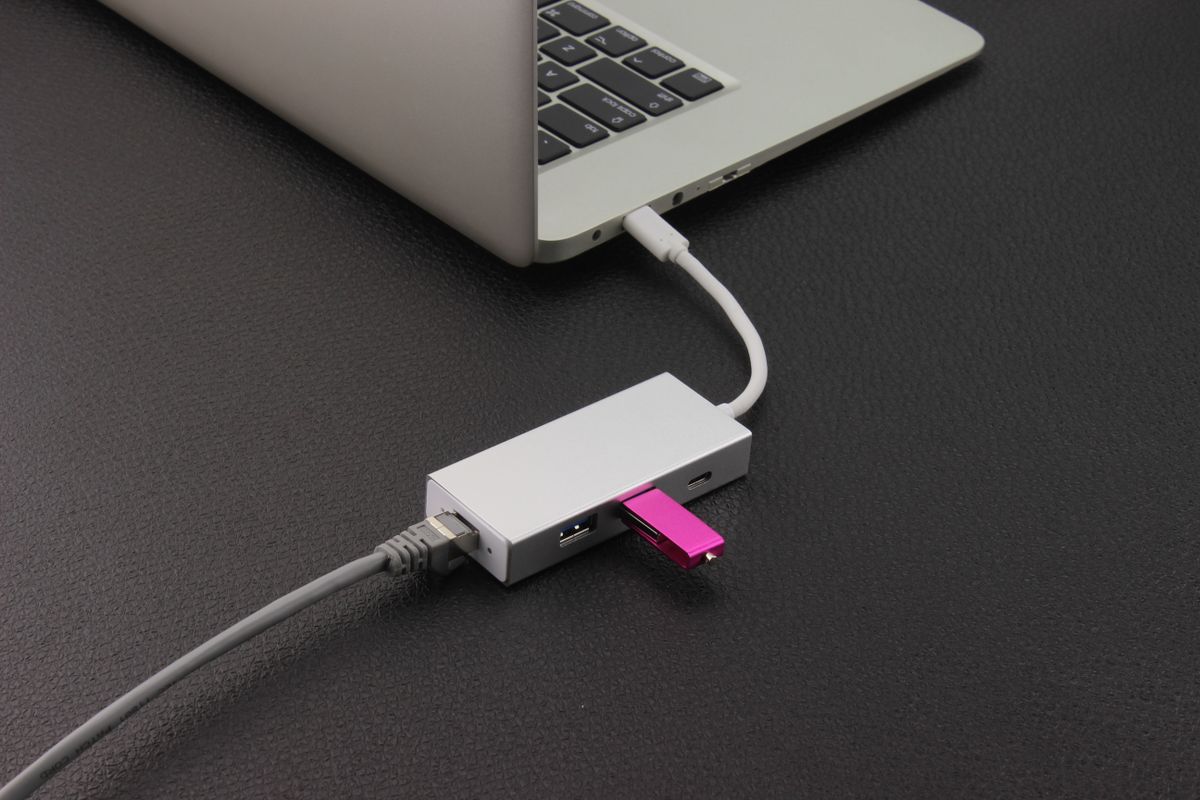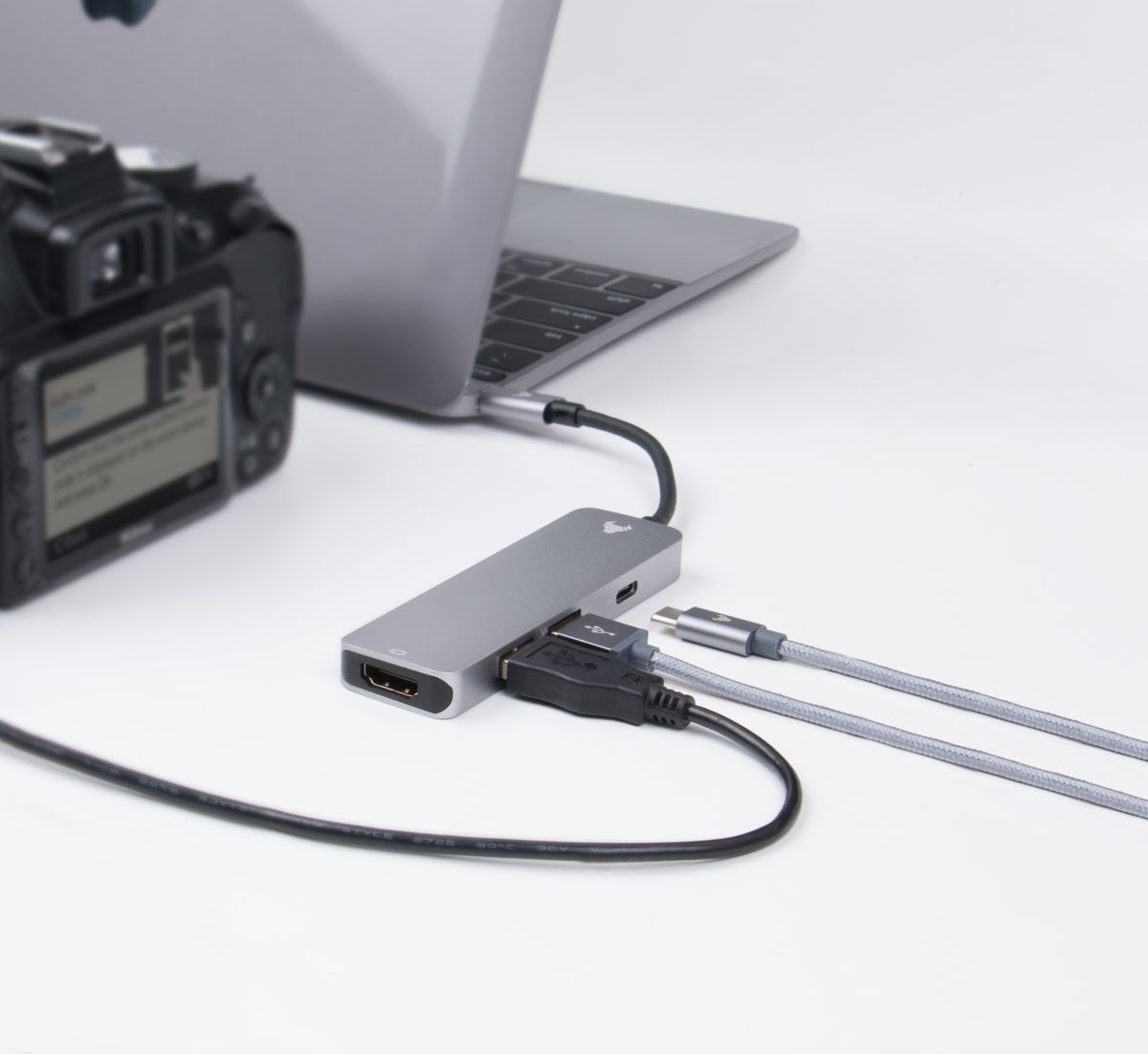
An adapter labeled with two connector names can look like the obvious answer to a monitor problem. Yet the direction matters. Sending a signal from a computer's DisplayPort output to an HDMI monitor is not necessarily the same job as sending HDMI from a computer to a DisplayPort monitor. Products made for one direction may not work in reverse.
Start by writing the connection as a sentence: this computer's particular output needs to feed that monitor's particular input. Include model names if the port's function is uncertain. A photograph of both sockets is useful when shopping in person, but it should accompany the specifications rather than replace them.
Decide what picture you need
An adapter may support the connector combination while limiting resolution or refresh rate. Check the stated combination, such as the resolution at a specified refresh rate, rather than reading each maximum in isolation. For document work, the goal is a clear stable image at a comfortable size. A product's highest advertised number is irrelevant if the required combination is not supported.
If you need audio through the monitor, include that in the check. If you need more than one screen, also check the computer's display limits. A splitter that duplicates a picture is not a substitute for a connection that supports separate extended desktops.
Fewer joins are easier to manage
A suitable single cable can be preferable to a short adapter plus a second cable, especially when the connector sits behind a screen that is difficult to reach. On the other hand, a small adapter may be useful when a shared desk already has a fixed display cable. Choose around the actual arrangement rather than buying a collection of converters for hypothetical future equipment.
Check whether the adapter needs external power or software. A USB graphics adapter is a different category from a simple signal adapter, even when the destination connector looks familiar. Managed computers may restrict driver installation, making that distinction important before purchase.
Once connected, select the correct input on the monitor and choose the intended display mode in the computer's settings. A blank screen can come from the selected input rather than a faulty cable. Keep a note of a working combination, particularly if you take the adapter between offices. That record saves repeating the same compatibility investigation the next time a meeting-room screen refuses to cooperate.