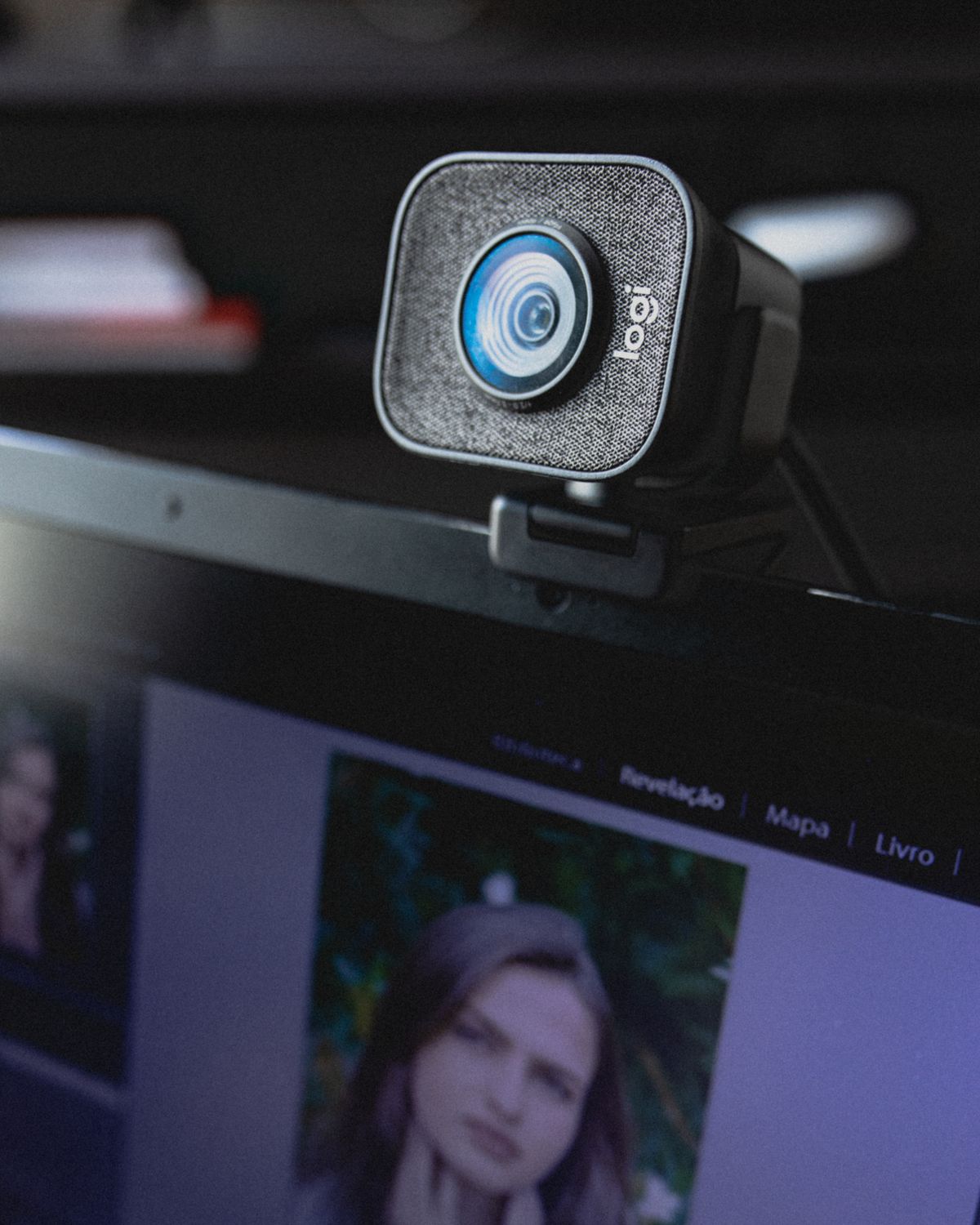
A webcam's clamp often rests over the top edge of a monitor. On a display with a very narrow bezel, the front lip may cover part of the picture. On another screen it may obscure a built-in camera, microphone or sensor. The mount is part of the purchase, even when the listing devotes most of its attention to image resolution.
Look at the monitor from the side. A deeply curved back, unusually thin panel or thick housing can change how a clip sits. The webcam should rest securely without excessive pressure on the display. Follow its mounting instructions rather than tightening an improvised arrangement until it stops moving.
Try the view from your seated position
The highest available position is not always the most useful. A tall monitor can put the camera well above the person, while a laptop camera can sit too low on a desk. Use the camera preview to judge framing at the position in which you will actually talk. Check the area behind you as well as your face, especially if the room contains papers or screens you do not want visible.
A small desktop stand can help when the monitor's edge is unsuitable, but it takes surface space and must remain stable when the desk is bumped. A threaded mounting point is useful only when it matches the intended stand and the manufacturer's supported setup. Avoid balancing a webcam on loose books or an unstable stack of accessories.
Keep the cable out of the adjustment
Leave enough cable for the monitor to move and for the camera angle to change. A taut lead can slowly pull the webcam out of position. Route it away from hinges and make sure it does not cover the monitor's vents. If the camera is removed after calls, leave an accessible connection instead of trapping the lead behind permanent furniture.
Consider how you will close the camera when it is not needed. A built-in shutter or a compatible cover should operate without pressing against the display. Keep the status light visible where possible, but remember that a light and a physical cover serve different purposes.
Finally, preview the image with ordinary room lighting and the usual screen brightness. A mount that produces a flattering angle only when the desk is rearranged for a test will be an annoyance during real calls. A stable, repeatable position is the useful result.