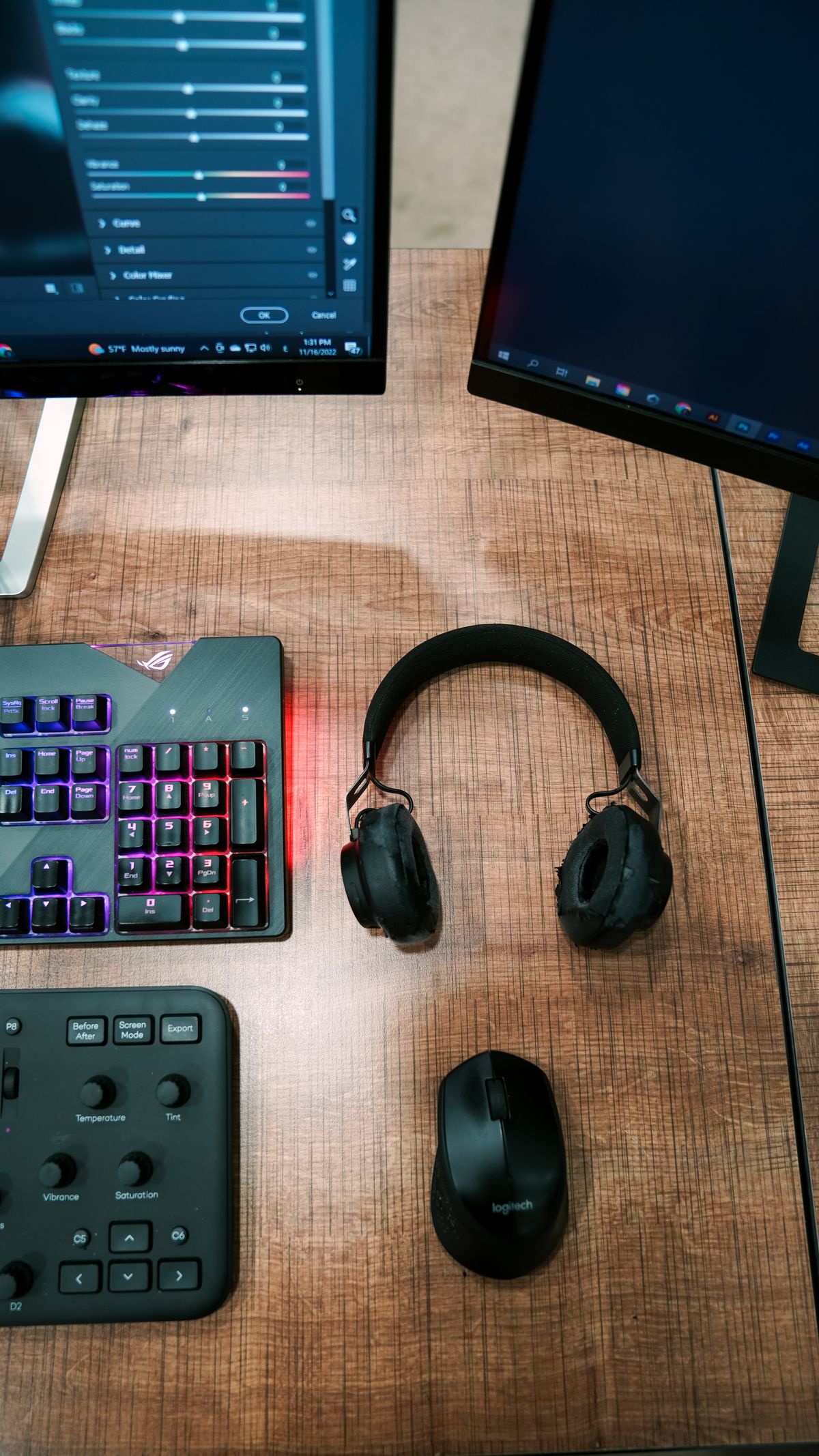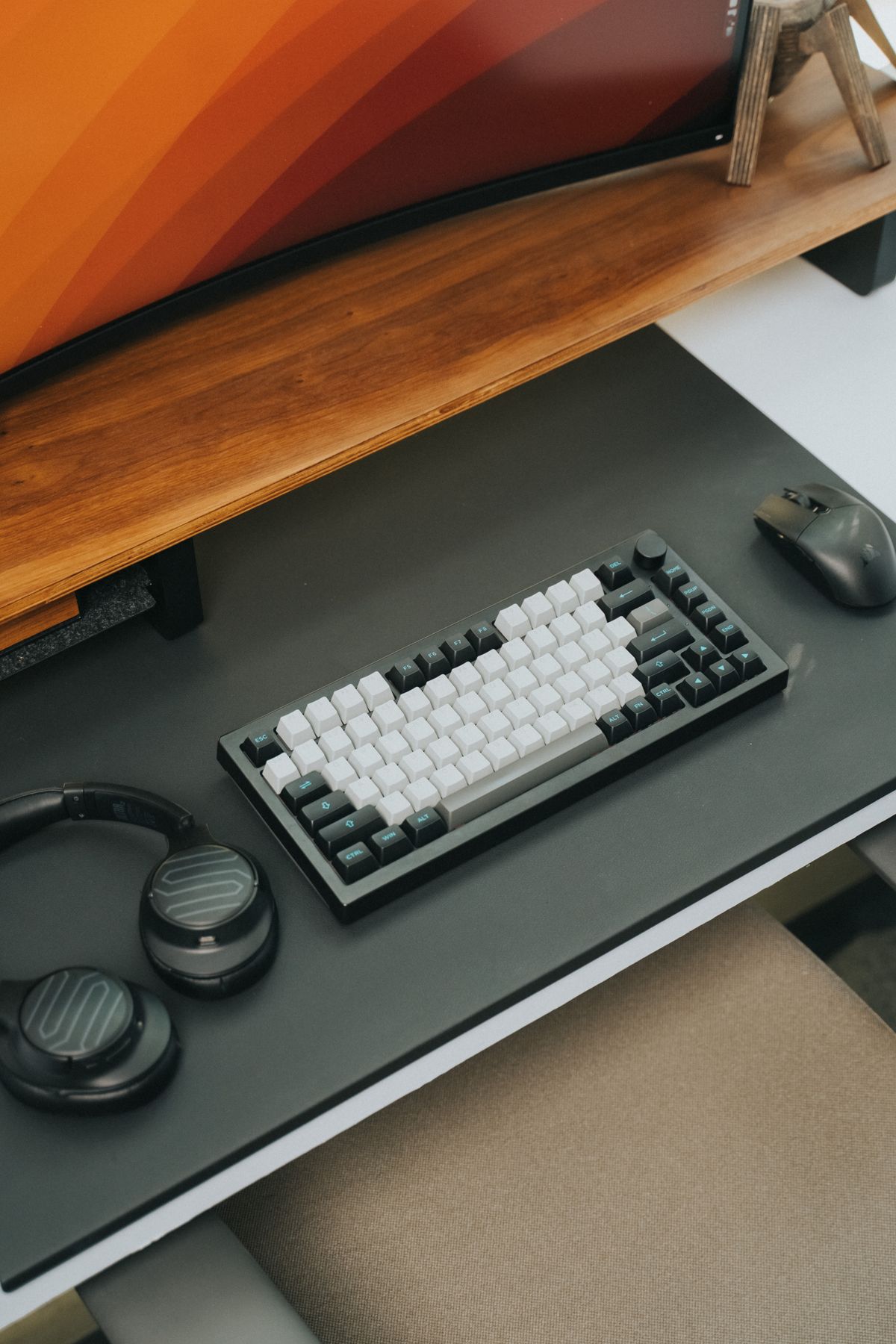
The word wireless leaves an important question unanswered: how does the keyboard connect? Some use Bluetooth, some use a dedicated USB receiver, and some offer both. The choice affects spare ports, switching between computers and what happens if the tiny receiver goes missing.
Bluetooth can be convenient for a laptop with few spare sockets. The computer needs compatible Bluetooth support, and a workplace may restrict pairing. A supplied receiver can provide a straightforward connection, but check whether it uses USB-A or USB-C and whether the laptop has an available compatible port. An adapter adds another small piece to carry.
Do not assume that a receiver from another keyboard will work. Even within one manufacturer's range, different wireless families may be incompatible. A replacement receiver must support the keyboard's exact technology, and pairing it may require software. Save the model number and the original receiver in a known place rather than treating every small dongle as interchangeable.
Switching deserves a closer look
A keyboard advertised for several devices may use separate Bluetooth pairing slots, a receiver plus Bluetooth, or another arrangement. Check how the switch happens: a dedicated key is different from opening software. If you alternate between a desktop and tablet, also check the layout and shortcuts for each operating system.
Charging introduces another distinction. A USB socket on a rechargeable keyboard may provide charging only, rather than a wired data connection. If you need the option to keep working through a cable, look for an explicit wired mode. Also check whether the keyboard can be used while charging and whether the supplied lead reaches the intended charging point.
For a shared desk, write a small setup note identifying the connection method and where the receiver belongs. Avoid putting pairing codes or account credentials in that note. A wireless keyboard should remove a physical lead without making the connection itself mysterious to the next person who sits down.