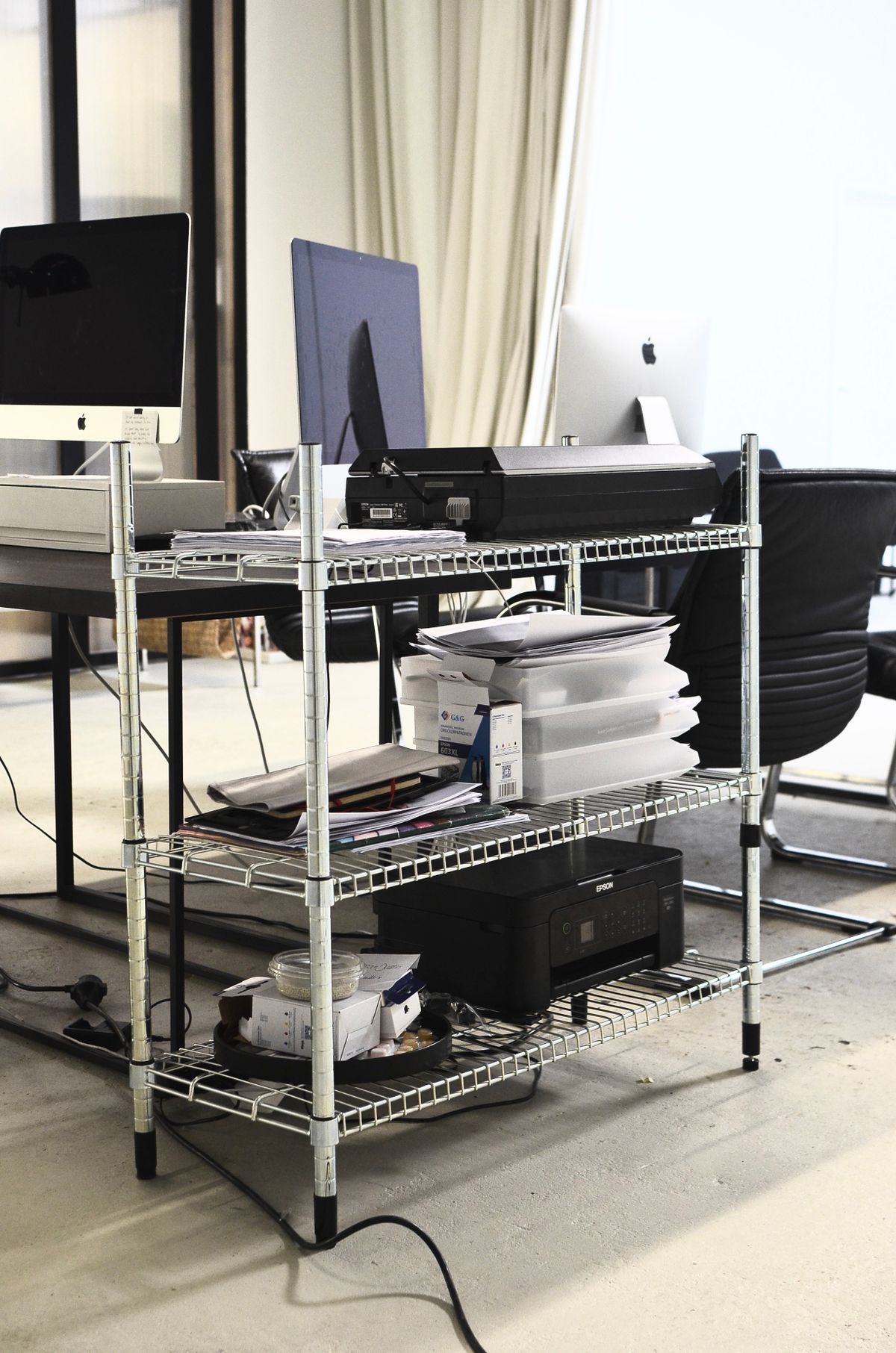
A printer can take up more of a desk than its frequency of use justifies. If most work stays on screen and printing happens a few times a week, moving it to a nearby cabinet may recover space for writing or a better monitor position. The move needs a little more thought than finding a surface wide enough for the closed machine.
Print a typical job and watch how the printer operates. Paper trays extend, output pages project forward and a scanner lid may lift above the case. Ink or toner access can require another opening. These are part of the working footprint, even if they are absent from a product photograph.
Choose a surface for the operating printer
Check the printer's weight and the furniture's load rating. Include paper and accessories where appropriate. A narrow shelf that holds a small decorative object is not necessarily suited to equipment that vibrates or needs regular handling. The entire base should be supported as the manufacturer requires.
Avoid enclosing the machine in a cabinet unless both the equipment instructions and the cabinet arrangement permit adequate ventilation and access. Do not rely on opening a door only when the printer feels hot. Keep vents, power connections and service panels accessible from the beginning.
Position commonly used trays and controls where you can reach them comfortably. A very low shelf may turn each print job into a crouching task, while a high shelf can make it difficult to see the paper path or lift a scanner lid. If several people use the printer, consider their access as well.
Connection convenience can determine the location
A network connection may make the printer easier to share from elsewhere in the room. It still needs a suitable power outlet and a reliable connection. Before moving furniture, verify that the chosen location works with the printer's supported wired or wireless setup.
For USB printing, use a suitable cable within the device's supported limits. A long improvised chain of extensions is not a good reason to place the printer across a doorway. Sometimes a side table near the existing desk offers most of the recovered space without complicating the connection.
Keep a small quantity of appropriate paper nearby and give completed output a clear landing area. Avoid leaving sensitive print jobs in a household passage or shared room. A convenient pickup routine matters more when the machine is no longer directly beside you.
If scanning originals, copying or frequent printing dominates the day, close access may still be worthwhile. Moving the printer is a space decision, not a rule. The useful question is whether the surface it occupies is doing more valuable work as a printer station or as part of your desk.