A stapler used on Friday does not need the same position as a mouse used all morning. Yet desks often become arranged around the order in which objects arrived: monitor in the middle, stationery wherever it fits, phone wedged into the remaining space. Sorting by frequency of use gives the surface a more deliberate shape.
For one ordinary session, notice what you reach for. The keyboard, pointing device, current notes and perhaps a phone are likely to account for most movements. Keep those items where you can use them without repeatedly stretching forward or reaching around something else. OSHA's workstation checklist makes the same distinction between frequently accessed items and those used occasionally.
The front of the desk is working space
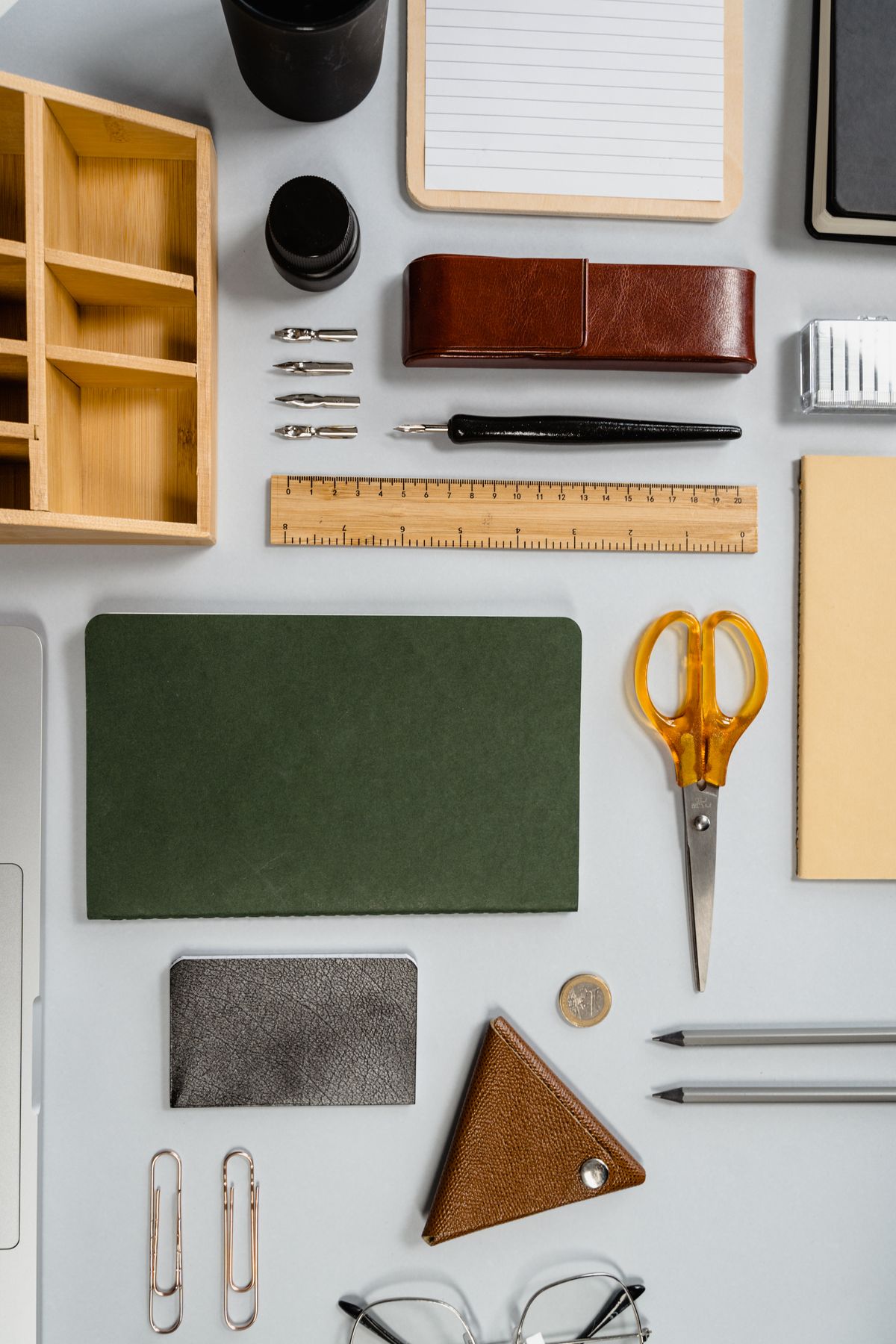
Resist filling the nearest edge with a large organizer. It may look orderly while pushing the tools you actually use farther away. A shallow pen cup to one side can be less obstructive than a wide desktop station placed between you and the screen.
Arrange the keyboard and mouse as a pair. If a numeric keypad forces the mouse far to the side and you rarely use it, try a different keyboard layout before buying additional desktop storage. If data entry makes the keypad essential, leave room for it and move less-used objects instead. The best arrangement depends on the work, not on a photograph of an uncluttered desk.
A notebook deserves a usable space, too. If you write throughout calls, place it where your writing hand can move without striking a mug or keyboard corner. When the notebook is only consulted occasionally, it can sit farther away or on an appropriate document support.
Give occasional objects a second zone
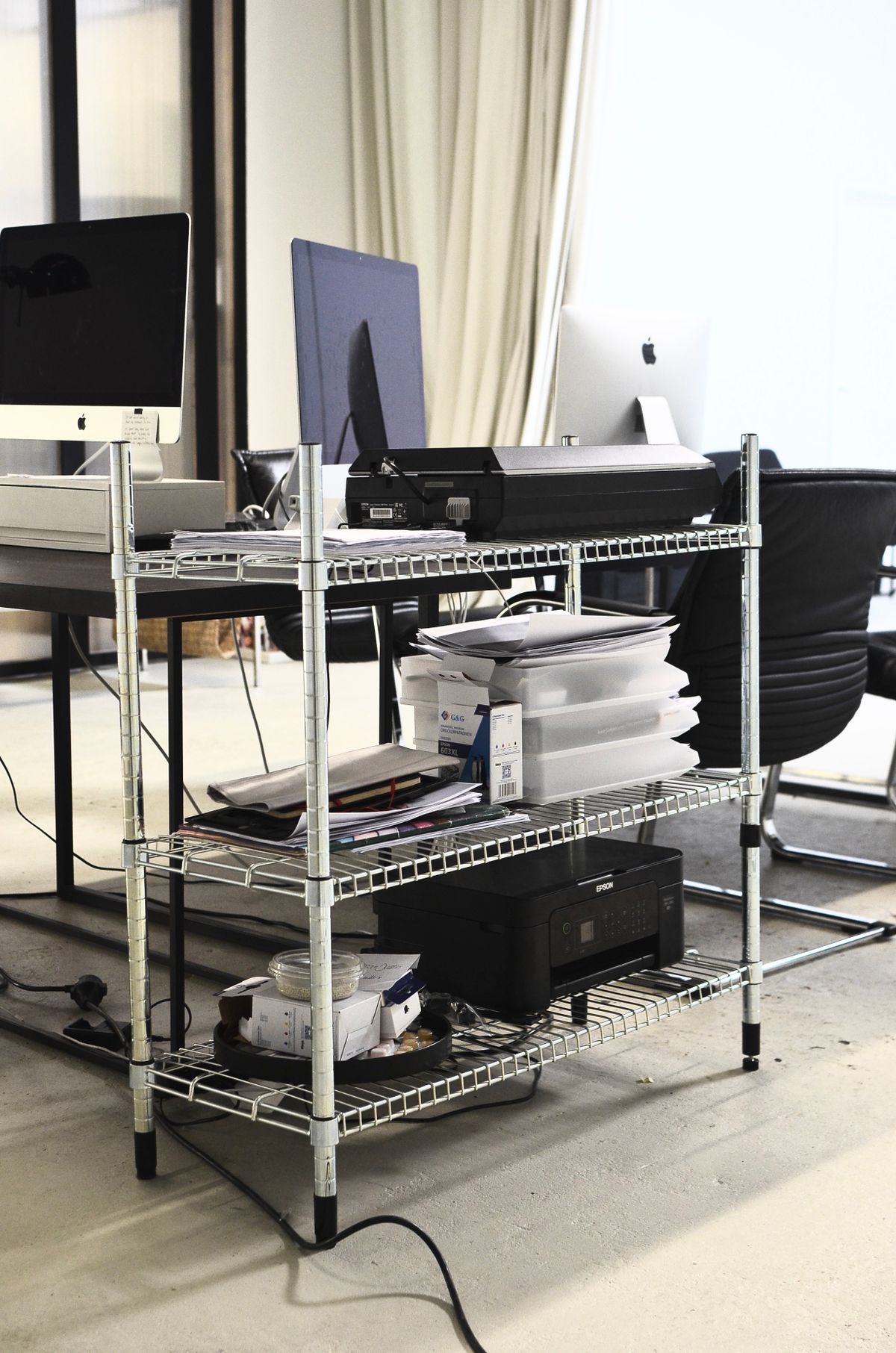
Spare pens, tape, charging adapters and archived notes can live in a drawer, a nearby shelf or a small container. The aim is not to make them inconvenient. It is to stop their permanent presence from making frequent work inconvenient.
Keep the distinction flexible. A stapler that is rarely used may move forward during a mailing project, then return to its drawer. A temporary task can change the arrangement without requiring an entirely new organization system. Leave enough open surface for that change.
Test the result with the chair in your normal position. If you repeatedly roll forward for the same item, move it closer. If something sits untouched for weeks, consider moving it back. There is no need to mark permanent reach circles on the desktop; a short observation of your own habits usually makes the priorities clear.