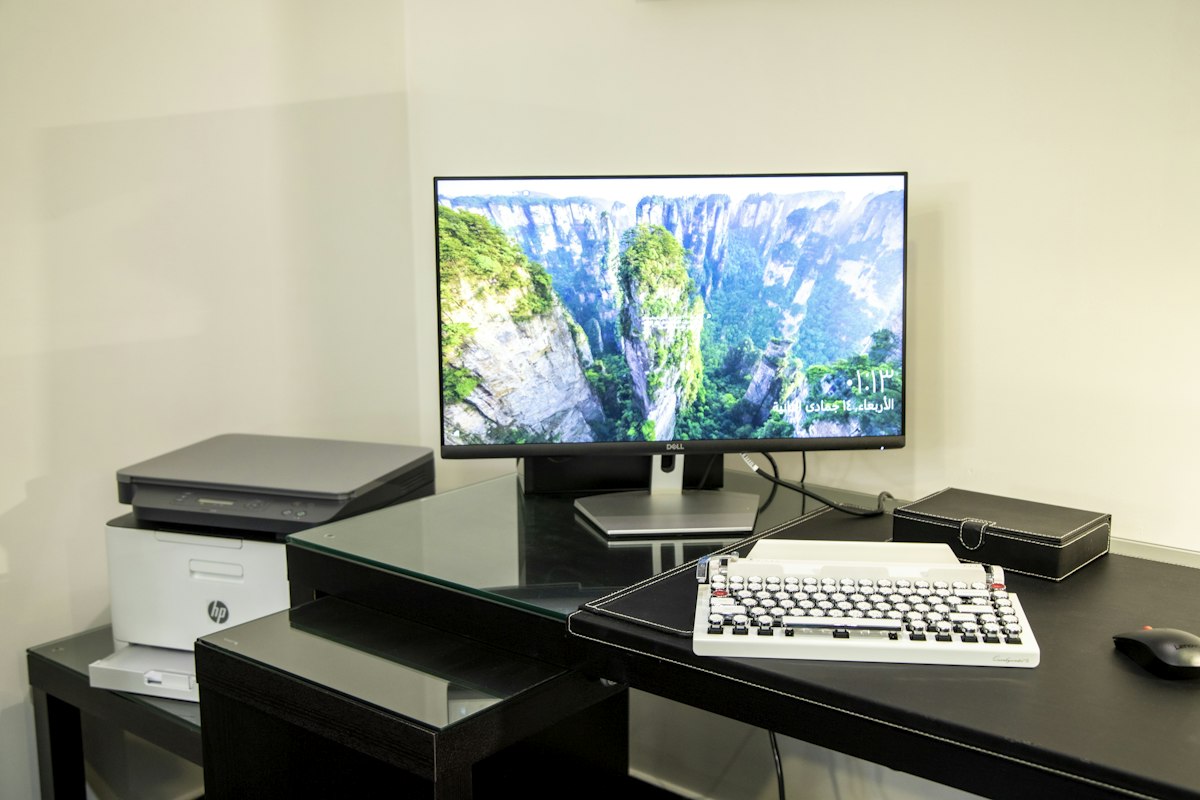
A multifunction printer has several working envelopes. It occupies one space while printing, another when the scanner lid opens and sometimes a third when a cover is lifted to replace supplies. Fitting the closed case into a cabinet answers only the easiest of those questions.
Map the movements in three dimensions
Find a dimensioned drawing or the placement section of the exact manual. Record the width and depth with normal trays open, then the height needed for the scanner lid. If the lid incorporates a document feeder, consider the space for loading originals and collecting them. A shelf directly above can prevent a book or thick original from being positioned even when ordinary pages fit.
Mark the working outline on the intended surface with paper. Add the front travel of a removable cassette, any rear-feed support and the reach needed to remove finished pages. Then stand where the user will stand. If the controls are difficult to see or the output sits beyond a comfortable reach, the problem is not solved merely because the measurements fit.
Separate daily use from occasional access
Daily loading and scanning should be possible without moving the machine. Occasional service access may require a different arrangement, but it still needs a safe plan. Check where cartridges, tanks, maintenance boxes and jam-access doors are located. A heavy printer that must be lifted out whenever paper stops feeding is poorly matched to the furniture.
Support the printer on a stable surface rated for its loaded weight and size. Include optional trays or other installed accessories. All feet should sit as intended; do not use a narrow board or improvised riser to extend an inadequate cabinet. If a movable stand is used, follow its load and stability instructions and make sure normal operation will not roll it unexpectedly.
Keep the manufacturer's ventilation clearances. An enclosed cabinet may trap heat even if the door remains partly open, and a close rear wall can obstruct both airflow and cable connections. Leave room for plugs and gentle cable bends without pinching them when a door closes. Route power and data cables where tray movement will not catch them.
Imagine the least convenient ordinary task
Picture replacing paper while a report is waiting, scanning a bound page and opening the stated jam door. Those tasks reveal the real installation more clearly than the first successful test print. If each one can be done without awkward lifting, blocked exits or dismantling nearby furniture, the chosen space is likely to remain workable after the printer has stopped looking new.