A webcam's highest resolution is only one part of the image other people see. A bright window behind you, a lens pointed upward from a low screen and an unstable mount can all matter more during an ordinary call. Begin with the position and the room before comparing the largest numbers on the box.
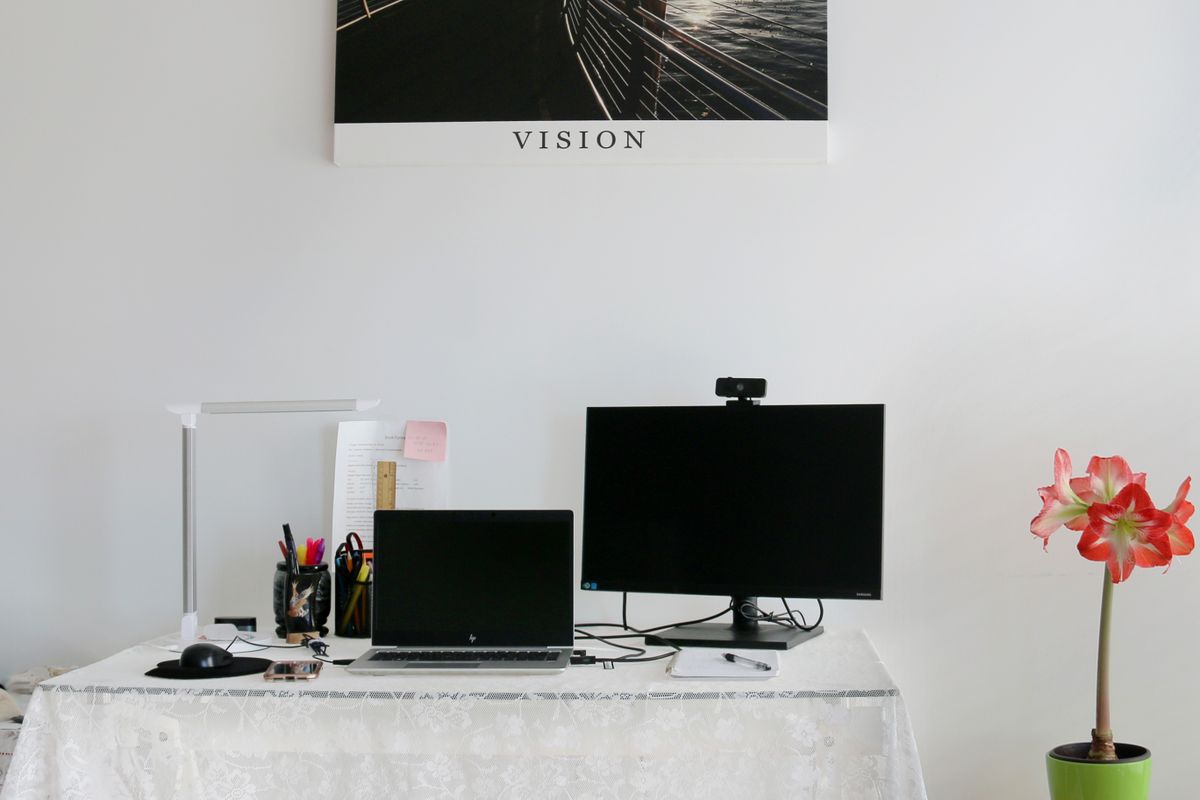
Place the camera where it gives a useful view without requiring you to rearrange the desk before every meeting. Check whether its mount fits the thickness and shape of your display. It should remain secure without pressing against the active screen or blocking important controls. A separate tripod or stand needs a real place to sit, not just a mounting thread in the product description.
Match the view to the conversation
A wide field of view can be useful for several people at one table, but it may show too much of a private room when only one person is speaking. Look for a view that suits the usual situation or check whether the supported software offers an appropriate crop. Inspect the edges of the frame for paperwork, mirrors and other details you did not intend to share.
Focus behavior is worth checking with the actual distance between you and the camera. Autofocus can accommodate movement, yet it may also change when something passes close to the lens. Fixed focus can be adequate within its intended range. Neither description tells you how a particular camera will behave in your room without a trial.
Check the whole call path
The meeting application, its settings and the connection can limit the transmitted image below the camera's maximum capability. Confirm supported modes in the application you use. Paying for a much higher resolution may still be useful for other recording work, but it should not be justified by an assumption that every call will transmit that mode.
Think about audio separately. Built-in microphones may be convenient, but their location near the screen can also pick up keyboard noise and the room. If you already use a headset or dedicated microphone, camera audio may be irrelevant. Verify which microphone the meeting app selects so an unintended default does not undo the setup.
A physical privacy shutter can provide a visible way to block the lens, but it does not necessarily mute a microphone. Learn the separate controls and test them before relying on them. When comparing cameras, use a short call in normal lighting and ask the other person about framing and clarity. That tells you more about daily usefulness than a polished sample video.