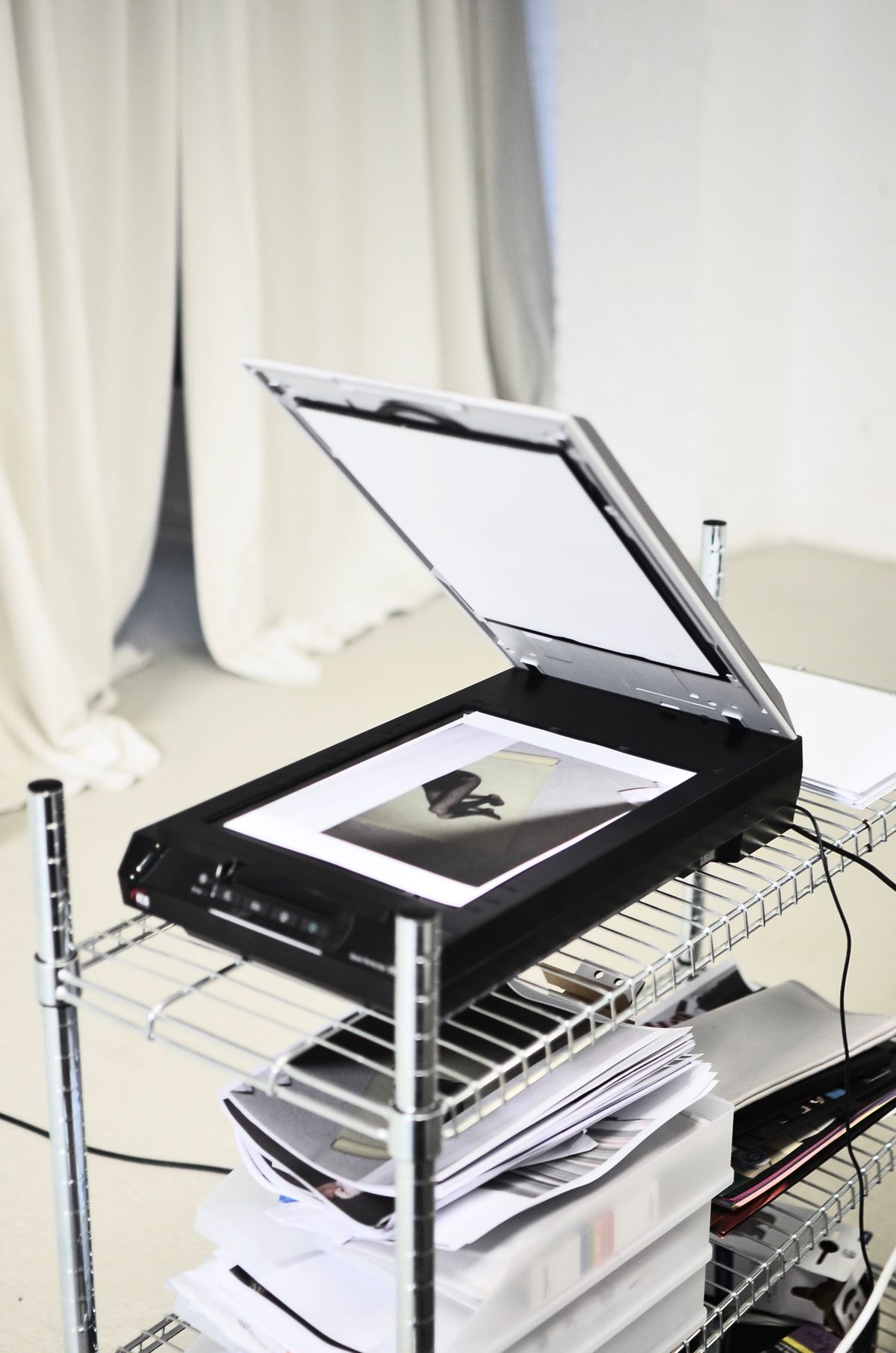
An old photograph with a bent corner is not a good test of a feeder's willingness to accept paper. It is a reason to use a capture method that leaves the photograph still. Flatbed scanners remain useful because the original rests on glass while the scanning mechanism moves underneath. That arrangement accommodates work a sheet-fed machine may handle poorly or should not handle at all.
Photographs, fragile letters, small pieces of paper and some bound documents are common examples. Check the scanner's instructions for anything unusually thick, textured or three-dimensional. A flatbed is not an invitation to place heavy objects on the glass, and an adjustable lid does not remove the manufacturer's weight and handling limits.
Measure the glass and the open lid
The usable scan area matters more than the outside width. A document that almost fits can lose a signature or reference number at the edge. If you regularly scan legal-size pages, verify that specific capability rather than assuming a large-looking case contains a correspondingly large flatbed. Multifunction printers often have different size limits for the glass and the document feeder.
Leave enough space to lift the lid and position the original without rubbing it against a shelf above. Bound material also needs support beside the scanner so the hanging half does not pull against the spine. Do not force a book flat or press the cover down to compensate for a poor fit. A different scanner design or overhead capture may be more suitable for that volume.
More pixels are not always more information
Compare optical resolution with interpolated or enhanced figures. Software can create additional pixels without recovering detail that the scanner never captured. For ordinary documents, begin with a setting that makes the smallest required text clear, then adjust if the output is inadequate. Very large files can make storage, sharing and searching slower without helping the reader.
Preview cropping and orientation before a final scan. Check that automatic edge detection has not trimmed a pale border or a note near the margin. When scanning several photographs at once, confirm that the software separated them correctly and did not apply an unwanted color adjustment. Keep an untouched version when later editing may matter.
The tradeoff is repeated handling. A flatbed is rarely the most convenient way to process a large stack of similar loose pages. It can nevertheless be the right second capability in an office where the occasional irreplaceable original matters more than batch speed. Buy it for those originals, and give it enough clear workspace that careful positioning remains easy.