A printer used by one computer on one desk does not always need a place on the wireless network. A supported USB connection can provide a straightforward route for everyday documents. It is worth considering when mobile printing and access from several rooms are not part of the job.
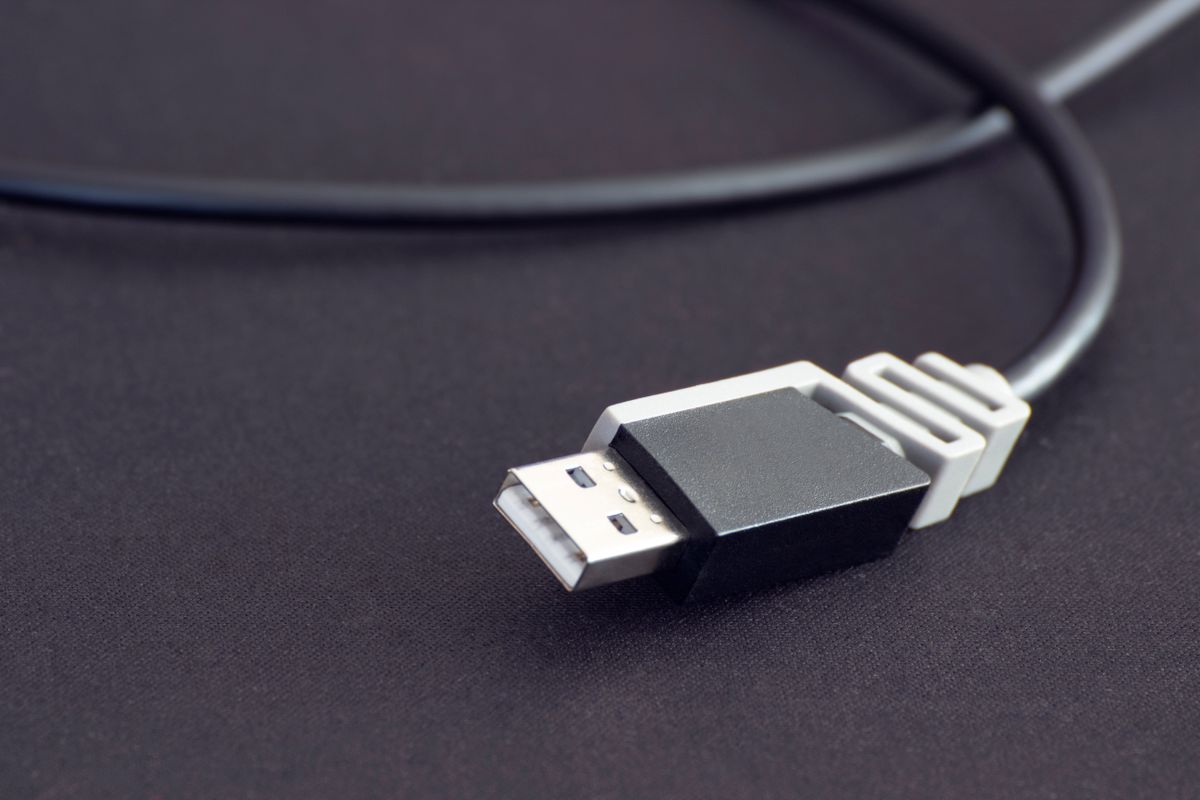
Start with the ports on the actual printer and computer. A USB socket on a printer may serve a particular purpose, such as connecting to a computer or reading files from a drive. Those roles are not interchangeable. Check the manual for the computer connection and use a cable that supports data, has the correct ends and meets any stated length requirements.
Check the software before the cable arrives
Confirm that the manufacturer supports your operating system for the functions you need. Printing and scanning can use different software paths. A device appearing in the computer's hardware list does not prove that every function is available. Use official downloads rather than a third-party driver site, and follow the specified installation order if the instructions tell you to connect the cable at a particular stage.
A direct connection also makes the physical route important. Leave enough slack to open trays and move the computer a little without pulling on a connector. Keep the cable out of walkways and away from chair wheels. Avoid hiding the connection so thoroughly that disconnecting it requires dragging the printer across the desk.
Know what direct connection leaves out
Other people will not automatically gain access because the printer is connected to your computer. Computer-based printer sharing, where supported, introduces permissions and may require that computer to remain awake and available. If several users regularly need the machine, a printer designed for the shared network may be a better fit than building a workaround around the first laptop.
Phone and tablet use also needs separate confirmation. An adapter that fits physically does not guarantee that the mobile device can use the printer through it. If printing from a phone is essential, verify that exact workflow before deciding USB alone is enough.
Run a short test containing the paper size, duplex option and application you normally use. If the printer has also been installed over Wi-Fi, give the entries distinct names or remove an unused duplicate through the normal settings interface. The advantage of a direct connection is its clarity: one known cable, one supported route and no doubt about which printer entry belongs to it.