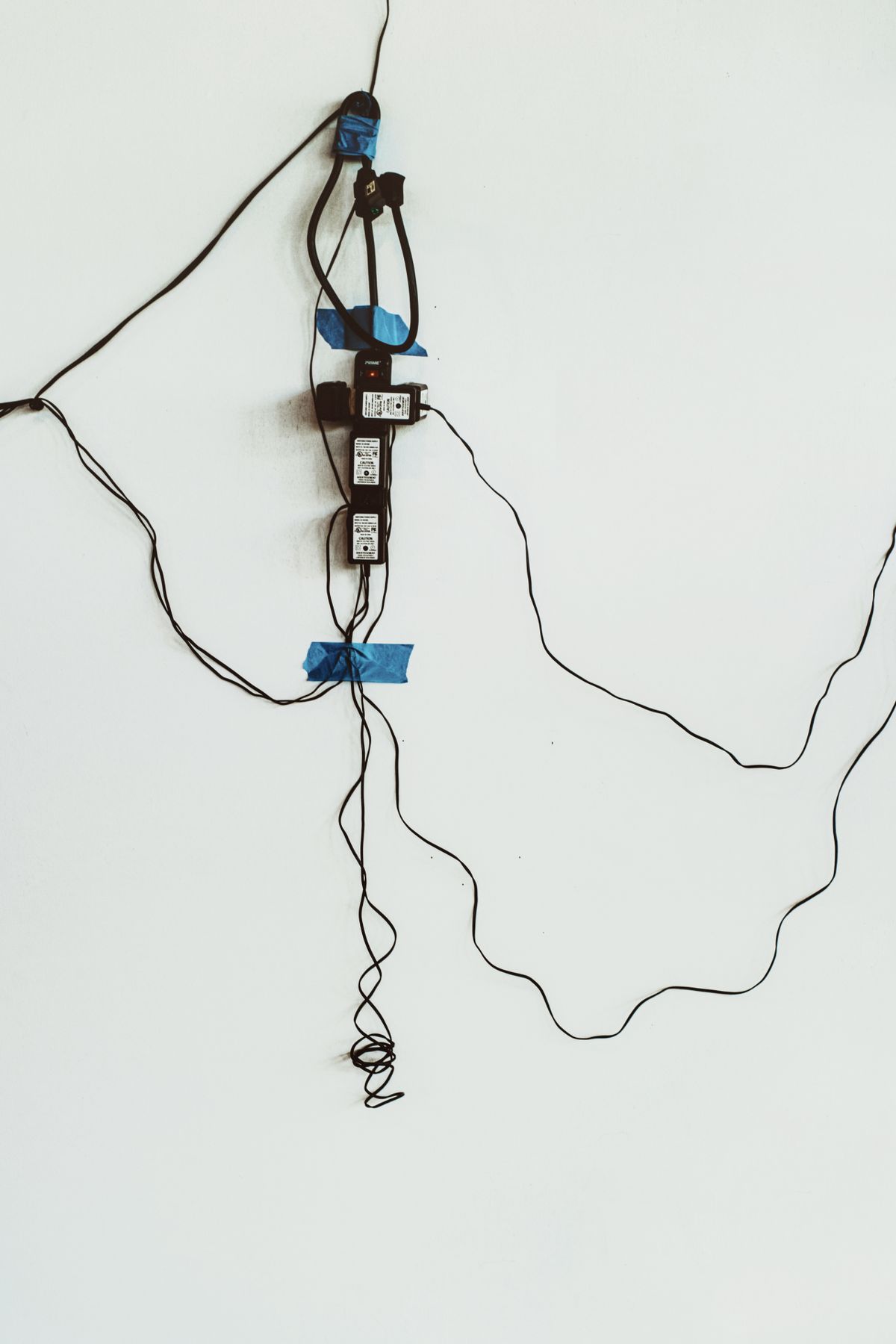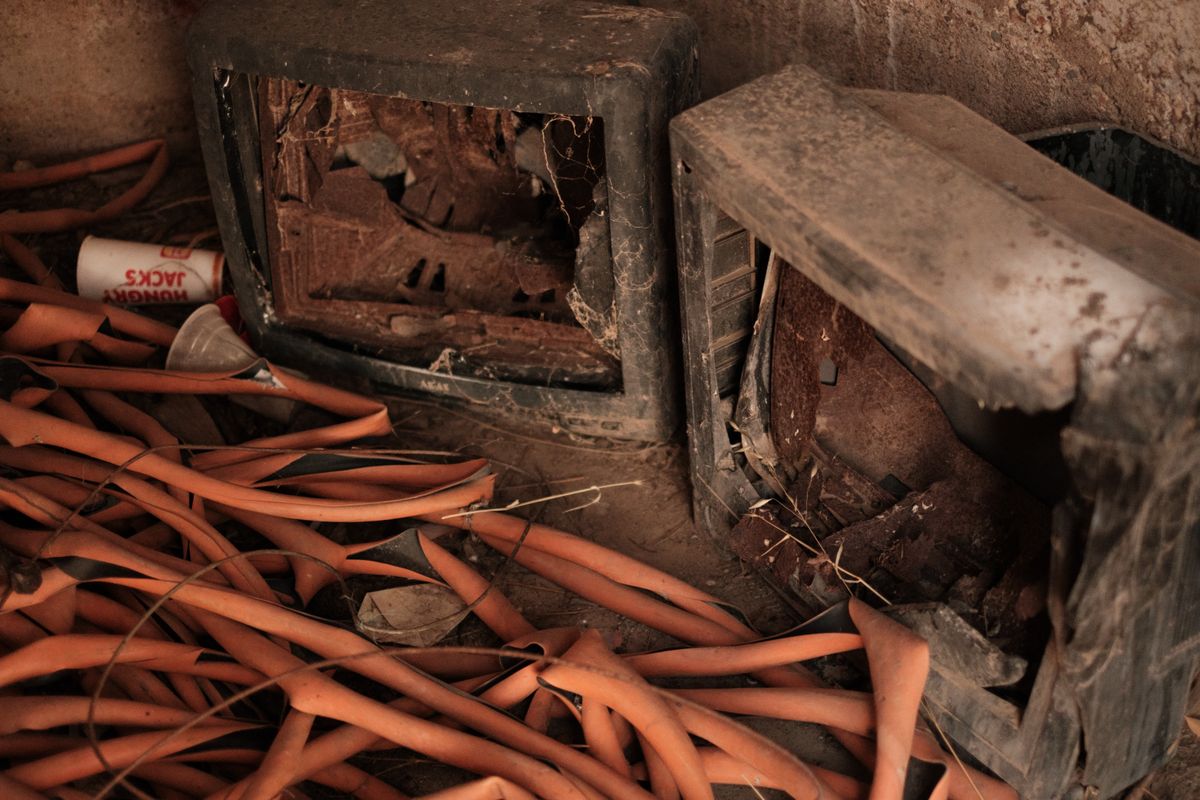
A box of unwanted office electronics can contain several different disposal jobs. A working keyboard may be useful to someone else. An old computer needs a data decision. A damaged battery needs an appropriate handling route. Putting everything into one donation box shifts those decisions onto the next person and may create problems for the recipient.
Identify what is complete and usable
Sort the equipment by condition without powering up anything visibly damaged or unsafe. For working items, gather the correct power adapter, receiver and other essential accessories. A device that looks complete but lacks a proprietary receiver may be less useful than expected. Describe known faults honestly and ask a prospective recipient whether it accepts that type and condition of equipment.
Consider whether a repair or modest upgrade would let you keep using an item, but do not treat every obsolete device as a suitable donation. Software support, compatibility and the recipient's needs matter. A charity should not have to pay to dispose of equipment it never agreed to receive.
Handle data and batteries as separate questions
Computers and storage devices need an appropriate erase process before transfer. Other office devices may hold saved jobs, network credentials or address books, so consult their reset instructions as well. Removing a label with your name does not remove information stored inside the equipment. Follow organizational procedures where business records are involved.
Check for batteries and follow the receiving facility's instructions. The EPA says lithium-ion batteries and devices containing them do not belong in household garbage or ordinary recycling bins. Remove a battery only if it is designed for user removal and can be handled safely. Do not pry open a sealed device or disturb a swollen or damaged battery to make the sorting pile look more orderly.
Confirm the destination before traveling
Ask the recycler, retailer or community collection program which items it currently accepts, whether there are fees and how equipment should be prepared. Monitors, printers, batteries and loose cables may follow different routes. Opening hours and acceptance rules can change, so a previous successful visit does not establish that the same box will be accepted today.
Pack items so they cannot break or short against loose metal during transport, following any battery-specific directions from the facility. Keep a record of the transfer if your workplace requires one. Reuse and recycling work better when the recipient receives an accurate description, compatible accessories where appropriate and equipment that has already had its data and safety needs considered.