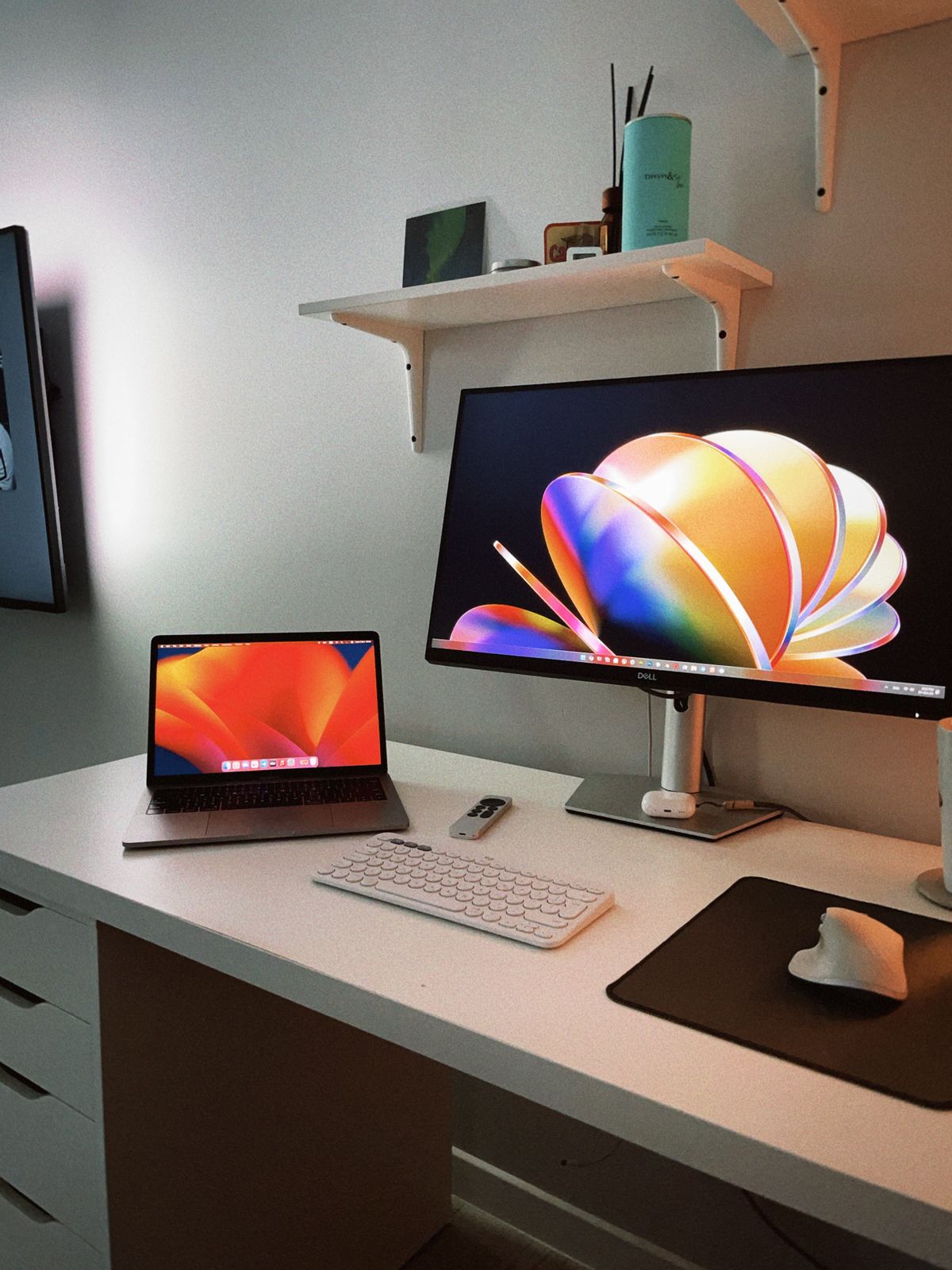
A monitor demonstration filled with bright video does not reveal much about a day spent reading contracts and editing spreadsheets. For document work, the useful test is less glamorous: open a familiar page, display the text at a comfortable size and see how much usable workspace remains.
Resolution and size work together
More pixels can make text look finer, but the effect depends on the physical screen size and the scaling you use. A high-resolution display set to tiny interface elements may fit more on screen while making ordinary work harder to read. Increase scaling to a useful level and evaluate the remaining space rather than judging the screen only at its default setting.
Think about the documents you compare. Two narrow text pages beside one another ask for a different arrangement from a single very wide spreadsheet. You may prefer a screen with enough vertical room to reduce scrolling, or an adjustable stand that permits portrait orientation. Check application behavior as well as the monitor specification; some older software handles scaling less neatly than current applications.
Fit the display to the desk
Measure the stand's depth and the space behind it for cables. A larger screen can force the keyboard toward the front edge on a shallow desk. Consider whether you can place the display at a suitable distance without pushing the chair into a passageway. An adjustable stand may solve a positioning problem more directly than buying a larger panel.
Reflections matter during the hours you work. A glossy display can look attractive in a controlled photograph yet reflect a bright window behind your seat. A matte surface changes the appearance of reflections but does not remove the need to position the screen sensibly. Try the intended desk location at different times of day before treating an excessively bright screen as the solution.
Verify the connection at the intended settings
Check that the computer, cable and any dock support the display's intended resolution and refresh rate together. The monitor's maximum specification is not a guarantee that every connected laptop can deliver it. If a single USB-C cable is part of the plan, confirm both video support and adequate charging capability for the laptop; connector shape alone is not enough.
Look at the controls you will actually adjust, including brightness, input selection and stand movement. Check the return terms so you can assess text, reflections and compatibility with your real setup. There is little reason to pay primarily for features intended for a task you do not do, but there is also no universal document monitor. The right choice is the one that makes your ordinary pages easy to read and arrange on the desk you have.